 SpecWithCode無料・オープンソース(MIT)
SpecWithCodeをダウンロード
「スペック・ウィズ・コード」と読むSpecWithCodeは、AIコーディングエージェントを1つのワークスペースにまとめます。
Claude Code, Codex, Cursor, Gemini CLIほか6件を、お使いのマシンと契約中のサブスクリプションで動かせる、1つの無料アプリ。
SpecWithCode 1.0.322、SpecWithCode-arm64.dmg、164 MB。 Apple silicon のみ (M1 以降)、macOS 13 以降。 リリースノート · SHA256SUMS
Apple Developer IDで署名され、Appleの公証を受けています。 ダウンロードは、プロジェクトのGitHubリリースから直接提供されます。
- 1リクエスト
- 2分担
- 3並行
- 4証跡
- 5リリース
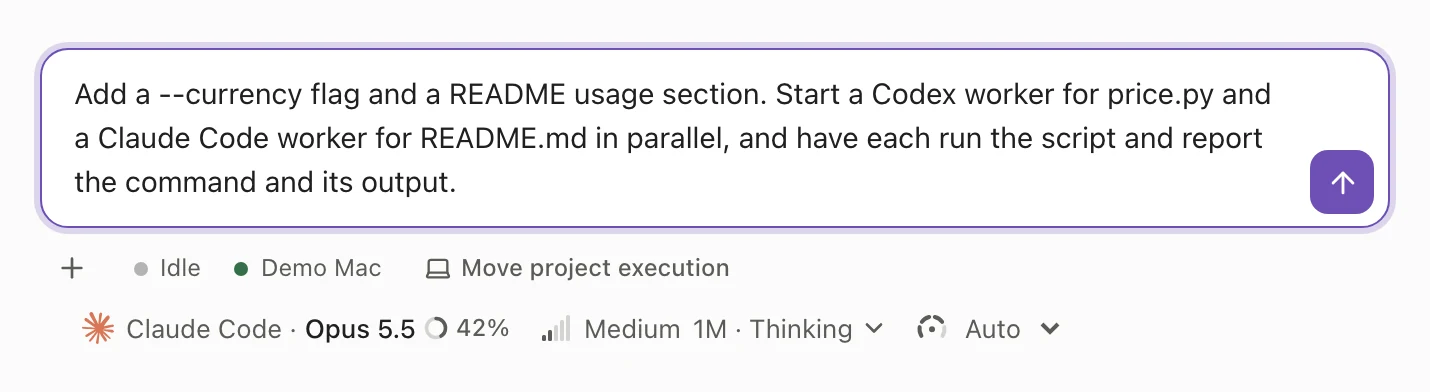
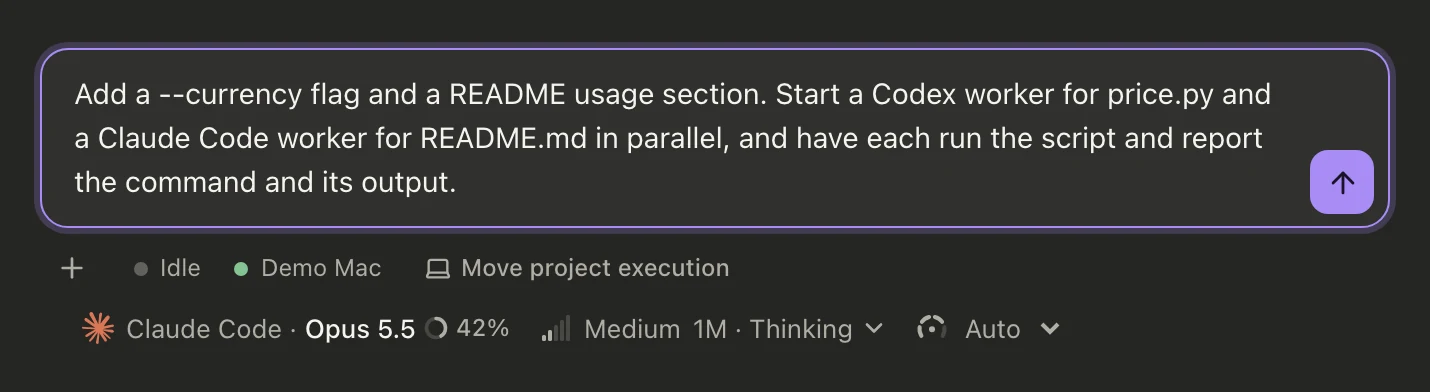 Add a --currency flag and a README usage section. Start a Codex worker for price.py and a Claude Code worker for README.md in parallel, and have each run the script and report the command and its output.コーディネーター
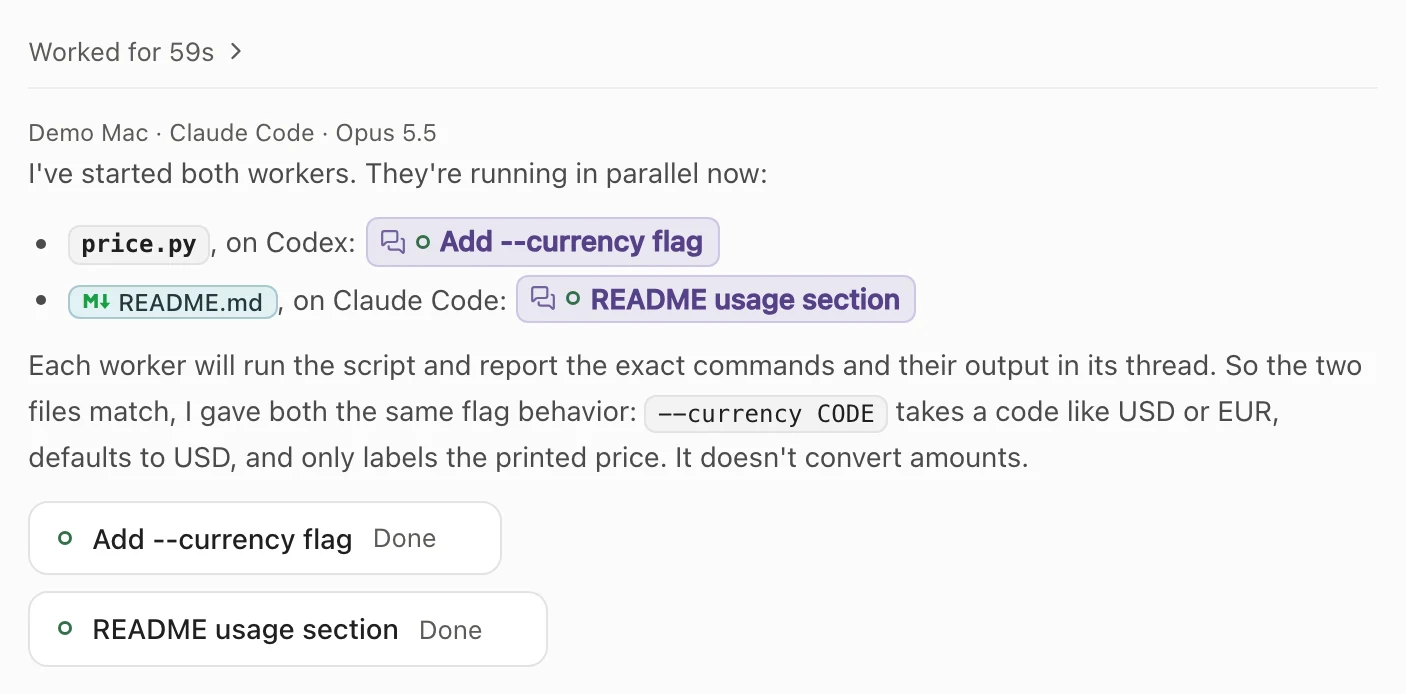
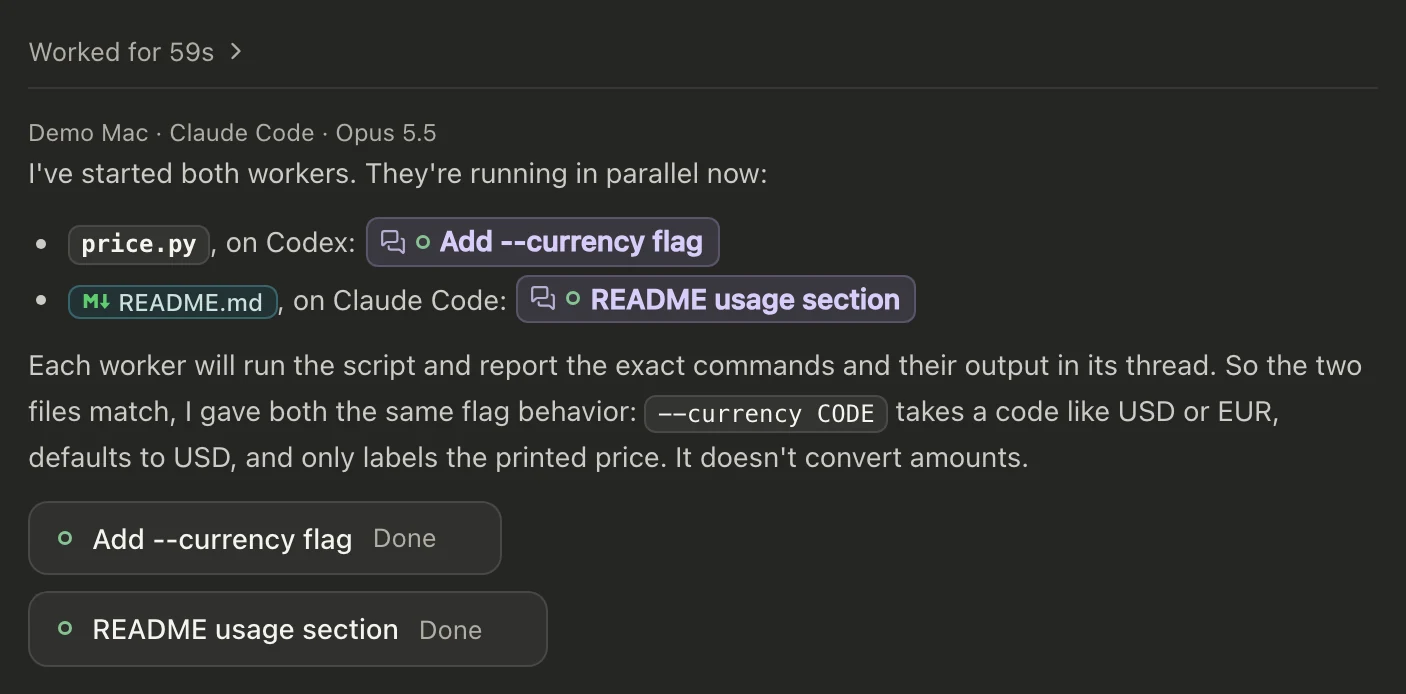
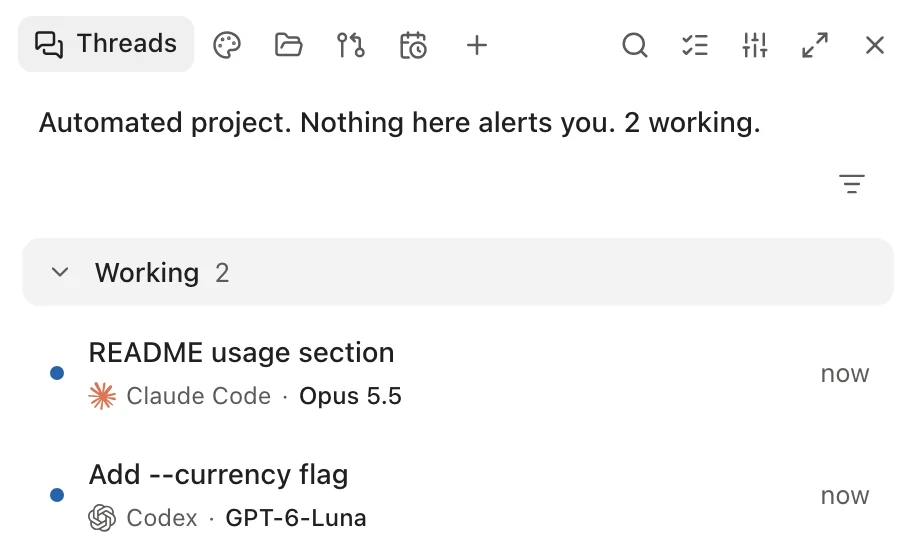
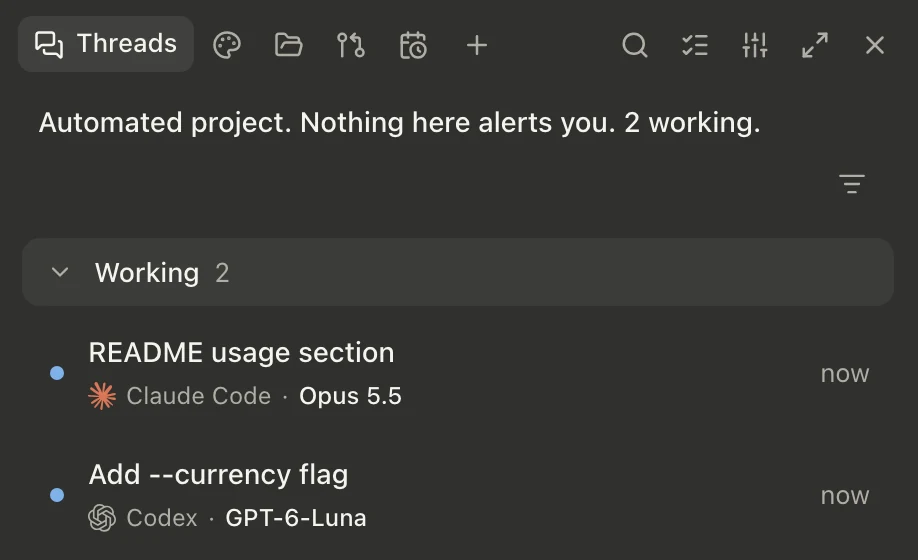
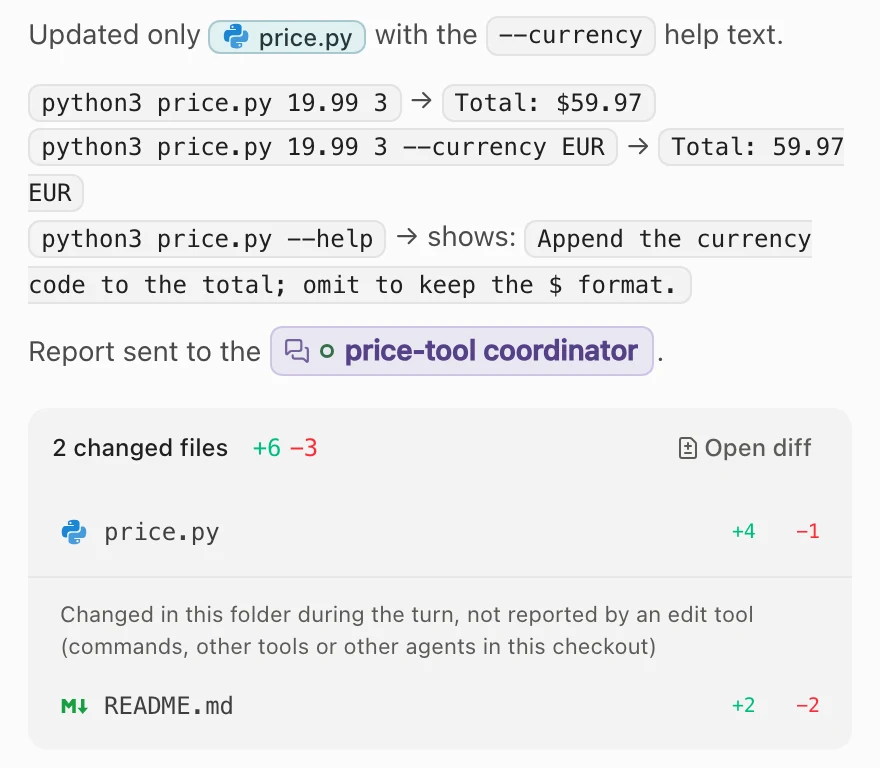
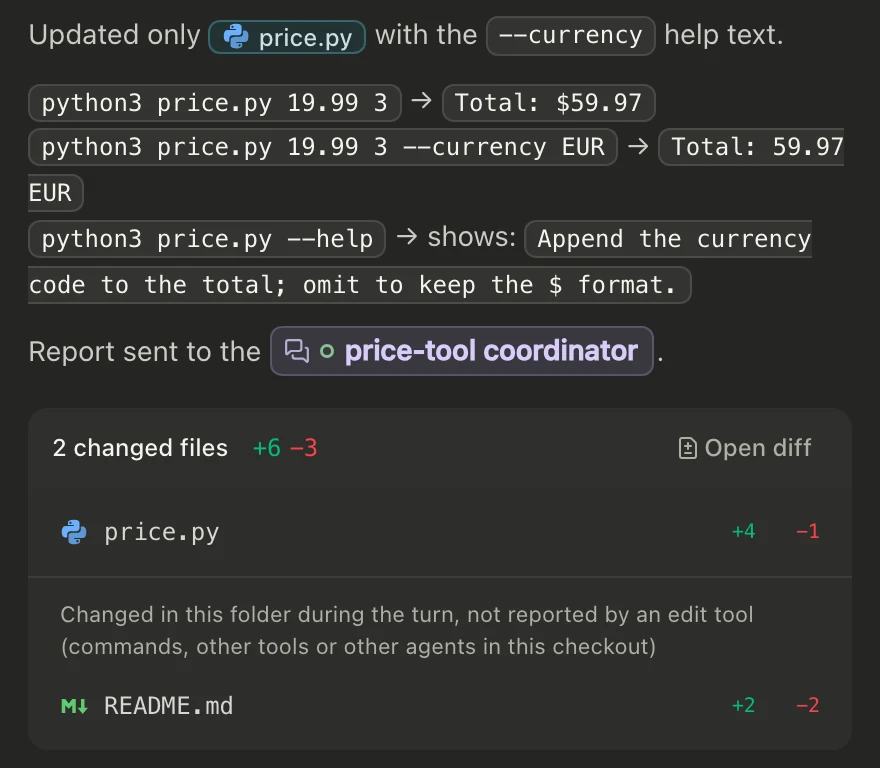
- python3 price.py 19.99 3 → Total: $59.97
- --currency EUR → Total: 59.97 EUR
- 変更したファイル 2件
- コーディネーターに報告を送信
WindowsとLinux
SpecWithCode 1.0.322 for Windows 10 and 11 on x64 and arm64, and for Linux on x64 and arm64 (glibc). Live-provider and native-feature parity with macOS is not established, and Windows and Linux desktop builds may trail Mac releases. リリースノート · SHA256SUMS
- どのファイルかほとんどのWindows PCとLinuxマシンはx64です。Snapdragon搭載のWindowsノートPCやArmのLinuxマシンなど、Armデバイスにはarm64を選んでください。Linuxで
uname -mを実行すると、Armではaarch64、x64ではx86_64と表示されます。 - WindowsRun
SpecWithCode-1.0.322-x64.exe, orSpecWithCode-1.0.322-arm64.exeon Arm. It installs for your user only, with no administrator prompt. The installer is signed by EasyChamp, Inc.; its Digital Signatures tab names the publisher. - DebianとUbuntu
sudo apt install ./SpecWithCode-1.0.322-amd64.deb(x64)またはsudo apt install ./SpecWithCode-1.0.322-arm64.deb(arm64)で、メニュー項目つきでアプリをインストールできます。 - その他のLinuxお使いのアーキテクチャ用のAppImageに
chmod +xで実行権限を付けて起動します。アプリにはglibcベースのディストリビューションが必要です。 - Linuxサーバーデスクトップのないマシンでは、リリースの
studio-1.0.322-linux-x64またはlinux-arm64アーカイブからサーバーをワーカーとして実行します。Linuxワーカーをご覧ください。 - 違いコンピューター操作(Computer use)はMacの画面を操作する機能で、macOS専用です。WindowsとLinuxでも、アプリは新しいリリースから自動で更新されます。.debの更新ではパスワードを求められます。
Verify your download
Every installer is signed, and every file has a SHA-256 and a build provenance attestation.
- macOSSigned with an Apple Developer ID and notarized.
spctl -a -vv /Applications/SpecWithCode.appprints "Notarized Developer ID". - WindowsIn PowerShell,
Get-AuthenticodeSignature .\SpecWithCode-1.0.322-x64.exemust reportValid, signed by EasyChamp, Inc.. - LinuxEach AppImage and .deb has a .asc signature beside it. Import
specwithcode-release-key.ascfrom the release (fingerprintB10C BBD0 F489 3ACD 3FF6 F256 563A 3A09 8EE4 C0D7), then rungpg --verify SpecWithCode-1.0.322-amd64.deb.asc SpecWithCode-1.0.322-amd64.deb. - Any fileRelease notes and the
SHA256SUMSfiles list every SHA-256.gh attestation verify FILE --repo anton-abyzov/specwithcodechecks that GitHub Actions built the file from the public source. Full steps.
スマートフォンで
Android 向け SpecWithCode は Google Play で公開中です。iPhone アプリは準備中で、App Store のカードは公開された日からリンクになります。
Macに3ステップでインストール
最近のMacなら約1分。初回起動前の設定は不要です。
- .dmgをダウンロード「Mac版をダウンロード」をクリックすると、このページに記載のリリースから
SpecWithCode-arm64.dmgを入手できます。 - SpecWithCodeを「アプリケーション」へドラッグ.dmgを開き、アプリを「アプリケーション」にドラッグします。Apple Developer IDで署名され公証済みのため、セキュリティの例外設定なしで開けます。
- 開いてプロバイダーを追加アプリがローカルサービスを自動で起動します。Claude CodeやCodexなど、お使いのコーディングエージェントにサインインして、最初のスレッドを始めましょう。
インストール後に
最初の1時間に役立つ短い動画とガイド。
- 最初のタスクを実行プロジェクト、スレッド、マシンを紹介する短い動画チュートリアルがあります。エージェントごとの最初のタスク動画は、再収録中です。
- 使用上限を待たないあるプロバイダーが上限に達しても、同じスレッドがコンテキストごと別のプロバイダーで続きます。プロバイダーが上限に達しても作業を続けるをご覧ください。
- エージェントにChromeを使わせるChrome Web Storeから無料のSpecWithCode拡張機能を追加し、「設定 › Chrome」でペアリングします。以後、エージェントはあなたのChromeの中で、見えるタブグループ内で作業します。
- 別のマシンを追加SpecWithCode Connect経由で、2台目のMacやLinuxワーカーを追加できます。2台目のマシンを追加するをご覧ください。
ダウンロードに関する質問
SpecWithCodeは無料ですか?
はい。SpecWithCodeは無料です。ローカルで使うだけならSpecWithCodeのアカウントは不要です。プロバイダーのサブスクリプションやAPIキーはご自身のものを使い、プロバイダーの料金は直接お支払いいただきます。
どのMacで動きますか?
macOS 13以降のApple silicon搭載Mac(M1以降)です。Intel Macには対応していません。
WindowsやLinux向けのダウンロードはありますか?
Yes. SpecWithCode 1.0.322 has Windows installers for Windows 10 and 11 on x64 and arm64, signed by EasyChamp, Inc., and a Linux AppImage and .deb for x64 and arm64 on glibc-based distributions, each with a GPG signature. Computer use is macOS only.
ダウンロードは安全ですか?
Every release is built in GitHub Actions from the public source, and each file has a build provenance attestation that ties it to that build. The Mac app is signed with an Apple Developer ID and notarized by Apple. The Windows installers are signed by EasyChamp, Inc. with Azure Trusted Signing. The Linux AppImage and .deb have GPG signatures. Every file is listed with its SHA-256 in the release notes. See Verify your download below.
SpecWithCodeはどう更新しますか?
SpecWithCodeのGitHubリリースから最新の.dmgをダウンロードし、「アプリケーション」内のアプリを置き換えてください。マシン上のサーバーがアプリより古い場合は、会話内と「設定 › 接続」に更新のお知らせが表示されます。
Send feedback
Bugs, ideas and questions go to the public GitHub repository, where every report gets read. The app has the same forms under Help and Settings, with the version filled in.
あなたのコンピューターにSpecWithCodeを
無料・オープンソース(MIT)・アカウント不要。Apple silicon搭載のmacOS、Windows 10/11(x64またはarm64)、Linux(x64またはarm64)から選べます。