 SpecWithCodeGratuit, open source (MIT)
Télécharger SpecWithCode
SpecWithCode, prononcé « Spec with Code », réunit vos agents de code IA dans un seul espace de travail.
Une seule app gratuite pour Claude Code, Codex, Cursor, Gemini CLI et 6 autres, sur vos propres machines et les abonnements que vous payez déjà.
SpecWithCode 1.0.322, SpecWithCode-arm64.dmg, 164 MB. Apple silicon uniquement (M1 ou plus récent), macOS 13 ou plus récent. Notes de version · SHA256SUMS
Signé avec un Apple Developer ID et notarié par Apple. Le téléchargement provient directement des versions GitHub du projet.
- 1Demande
- 2Répartition
- 3En parallèle
- 4Preuves
- 5Livraison
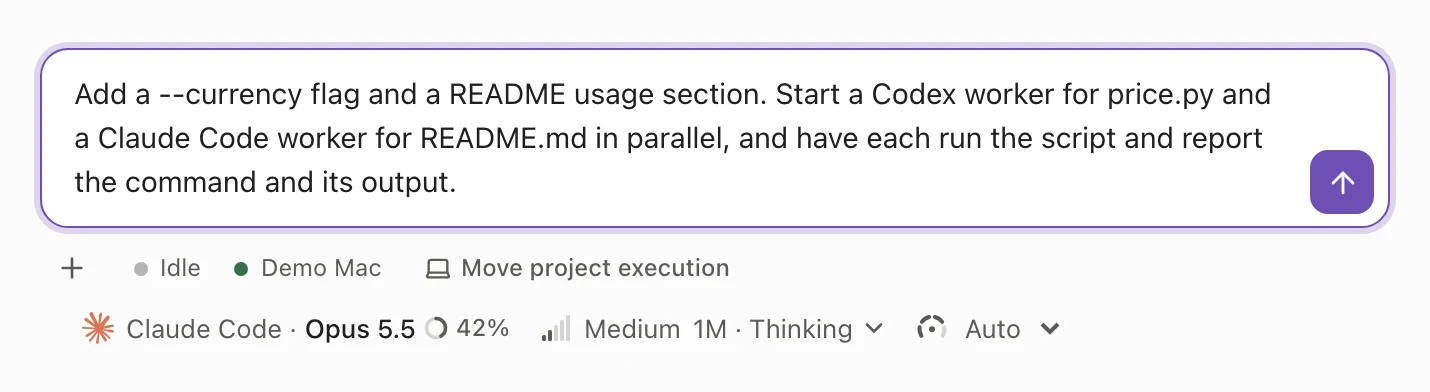
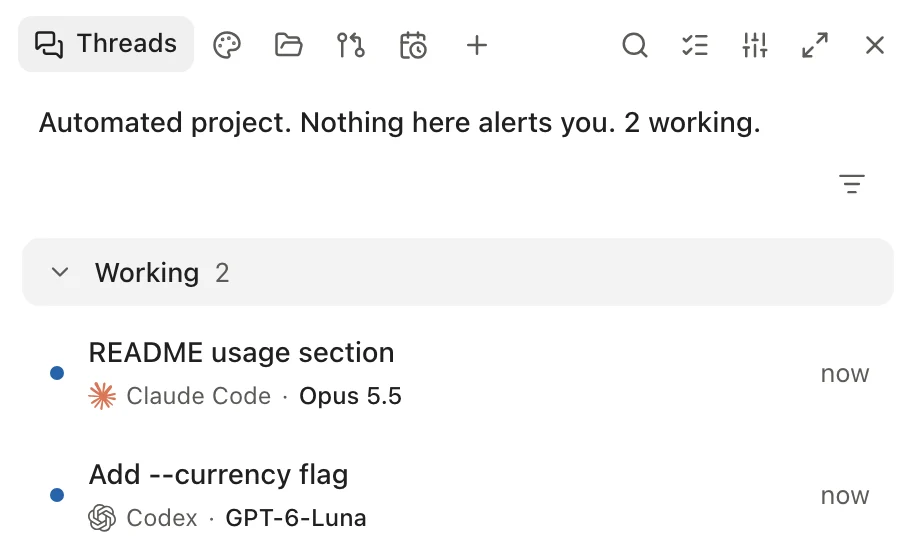
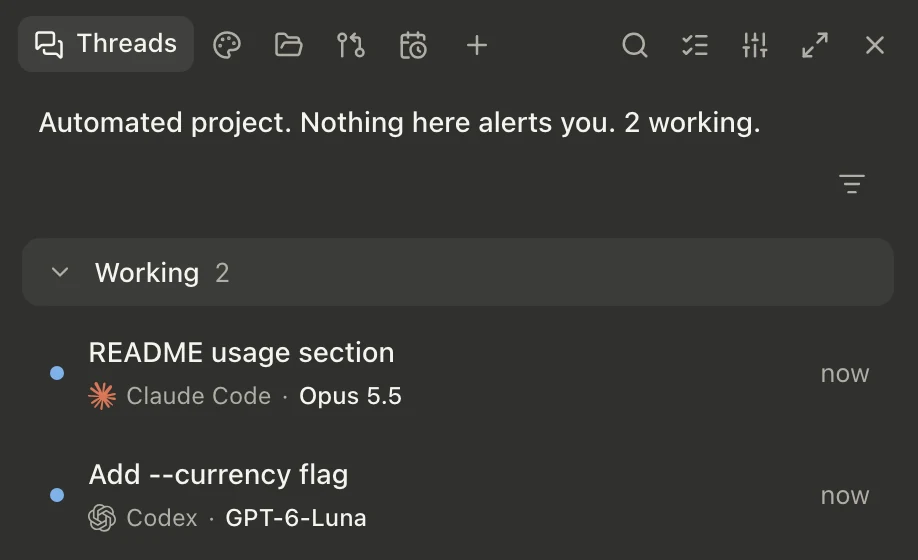
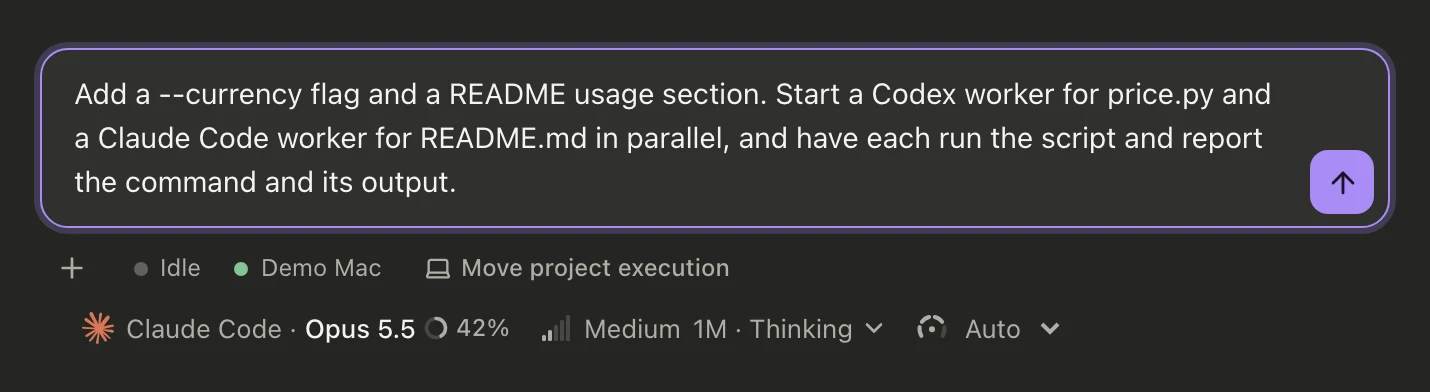 Add a --currency flag and a README usage section. Start a Codex worker for price.py and a Claude Code worker for README.md in parallel, and have each run the script and report the command and its output.Coordinateur
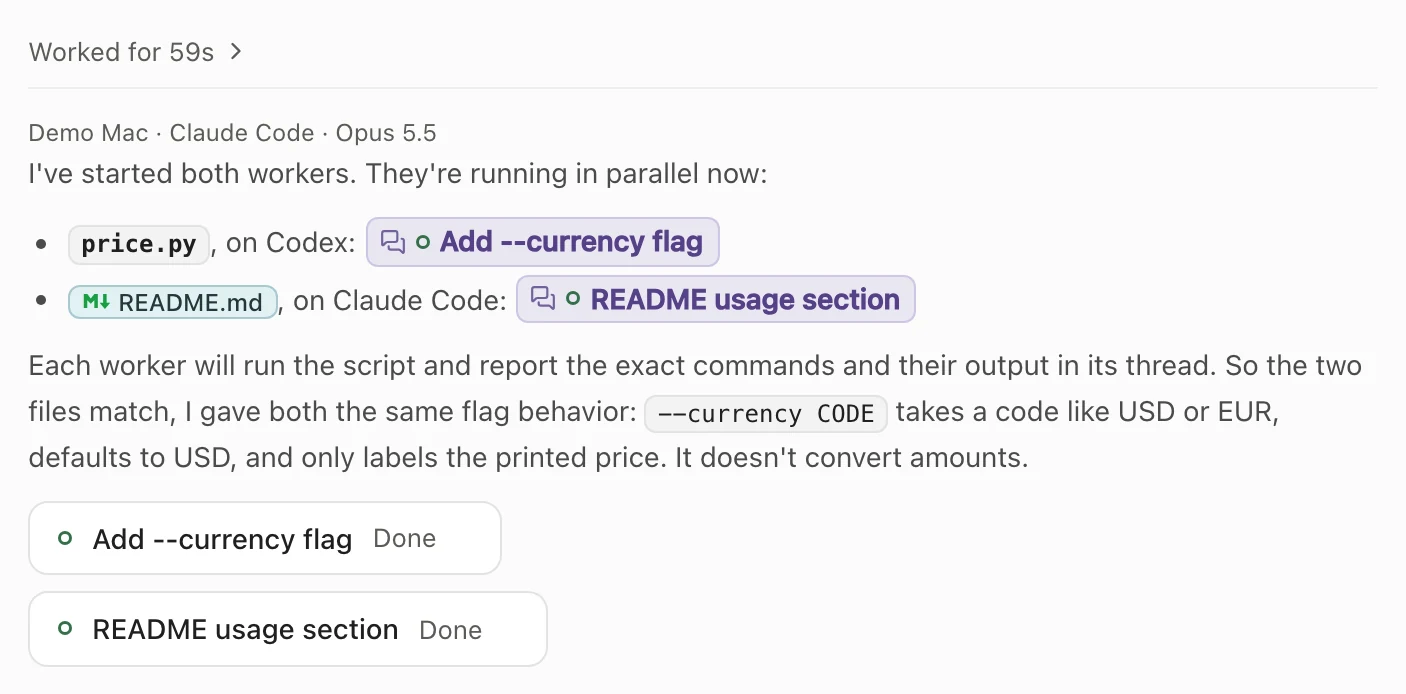
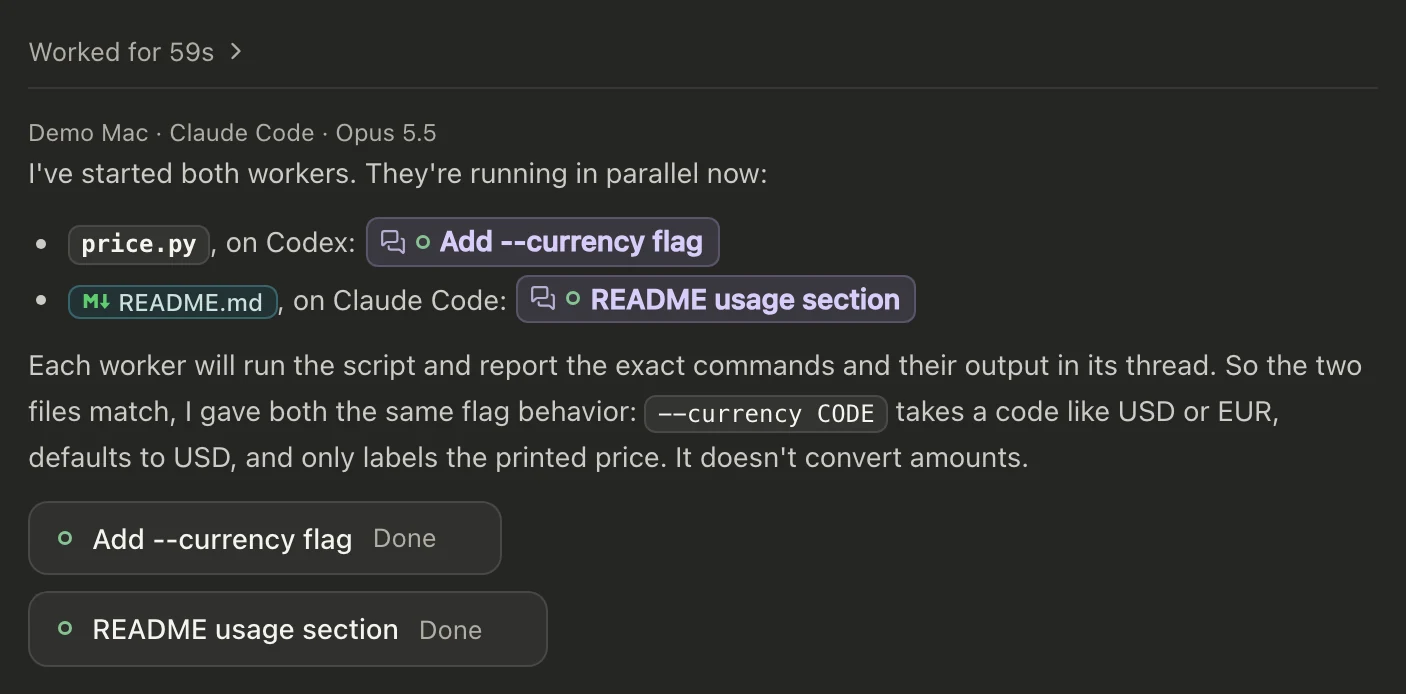
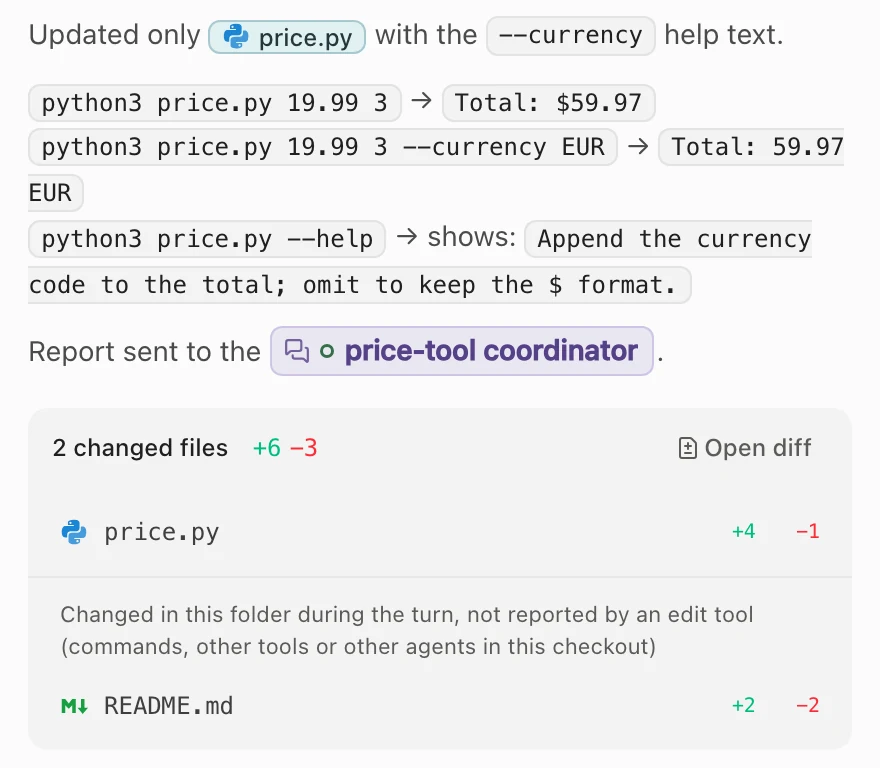
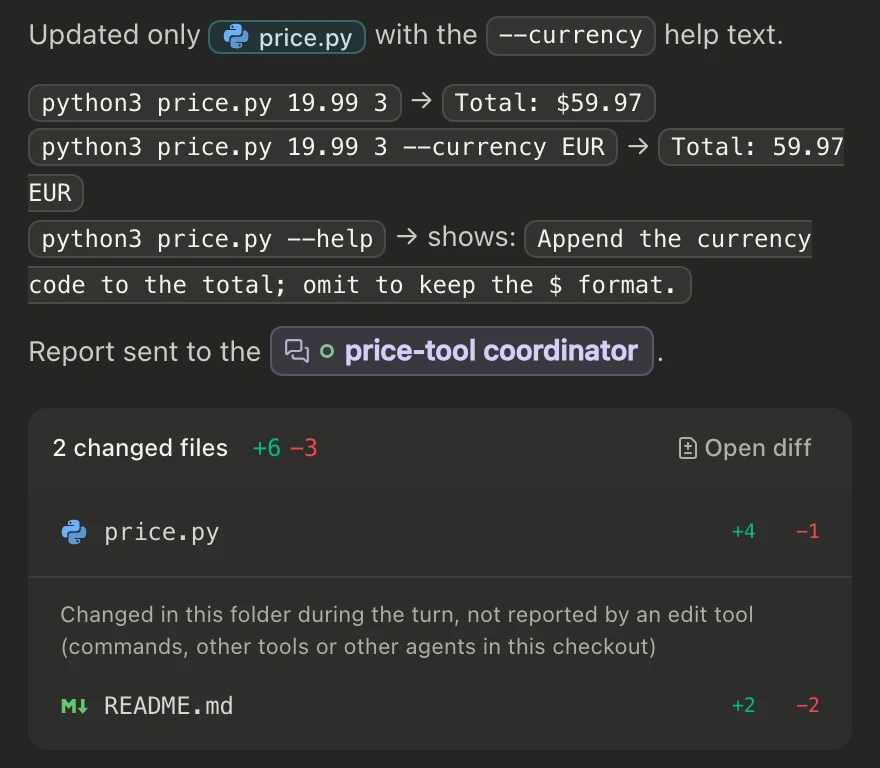
- python3 price.py 19.99 3 → Total: $59.97
- --currency EUR → Total: 59.97 EUR
- 2 fichiers modifiés
- Rapport envoyé au coordinateur
Windows et Linux
SpecWithCode 1.0.322 for Windows 10 and 11 on x64 and arm64, and for Linux on x64 and arm64 (glibc). Live-provider and native-feature parity with macOS is not established, and Windows and Linux desktop builds may trail Mac releases. Notes de version · SHA256SUMS
- Quel fichierLa plupart des PC Windows et des machines Linux sont en x64. Choisissez arm64 pour un appareil Arm, comme un portable Windows Snapdragon ou une machine Linux Arm ; sous Linux,
uname -maffiche alorsaarch64, etx86_64sur x64. - WindowsRun
SpecWithCode-1.0.322-x64.exe, orSpecWithCode-1.0.322-arm64.exeon Arm. It installs for your user only, with no administrator prompt. The installer is signed by EasyChamp, Inc.; its Digital Signatures tab names the publisher. - Debian et Ubuntu
sudo apt install ./SpecWithCode-1.0.322-amd64.deb(x64) ousudo apt install ./SpecWithCode-1.0.322-arm64.deb(arm64) installe l’app avec une entrée de menu. - Autres LinuxRendez l’AppImage de votre architecture exécutable avec
chmod +xpuis lancez-la. L’app nécessite une distribution basée sur glibc. - Serveurs LinuxUne machine sans bureau exécute le serveur depuis l’archive
studio-1.0.322-linux-x64oulinux-arm64de la version, comme worker. Voir Worker Linux. - Ce qui diffèreComputer use pilote l’écran d’un Mac et n’existe que sur macOS. L’app se met aussi à jour toute seule depuis les nouvelles versions sous Windows et Linux ; la mise à jour du .deb demande votre mot de passe.
Verify your download
Every installer is signed, and every file has a SHA-256 and a build provenance attestation.
- macOSSigned with an Apple Developer ID and notarized.
spctl -a -vv /Applications/SpecWithCode.appprints "Notarized Developer ID". - WindowsIn PowerShell,
Get-AuthenticodeSignature .\SpecWithCode-1.0.322-x64.exemust reportValid, signed by EasyChamp, Inc.. - LinuxEach AppImage and .deb has a .asc signature beside it. Import
specwithcode-release-key.ascfrom the release (fingerprintB10C BBD0 F489 3ACD 3FF6 F256 563A 3A09 8EE4 C0D7), then rungpg --verify SpecWithCode-1.0.322-amd64.deb.asc SpecWithCode-1.0.322-amd64.deb. - Any fileRelease notes and the
SHA256SUMSfiles list every SHA-256.gh attestation verify FILE --repo anton-abyzov/specwithcodechecks that GitHub Actions built the file from the public source. Full steps.
Sur votre téléphone
SpecWithCode pour Android est sur Google Play. L'application iPhone arrive ; sa carte App Store deviendra un lien le jour où la fiche sera en ligne.
Installer sur un Mac en trois étapes
Environ une minute sur un Mac récent. Rien à configurer avant le premier lancement.
- Téléchargez le .dmgCliquez sur Télécharger pour Mac. Vous obtenez
SpecWithCode-arm64.dmg, issu de la version indiquée sur cette page. - Faites glisser SpecWithCode dans ApplicationsOuvrez le .dmg et faites glisser l’app dans Applications. Elle est signée avec un Apple Developer ID et notariée : elle s’ouvre sans contournement de sécurité.
- Ouvrez-la et ajoutez un fournisseurL’app démarre son service local pour vous. Connectez-vous à un agent de code que vous utilisez déjà, comme Claude Code ou Codex, et lancez votre premier thread.
Après l’installation
De courtes vidéos et des guides pour la première heure.
- Lancez votre première tâcheDe courts tutoriels vidéo présentent les projets, les threads et les machines ; les vidéos de première tâche par agent sont en cours de réenregistrement.
- Ne jamais attendre une limite d’utilisationQuand un fournisseur est à court, le même thread continue sur un autre avec son contexte. Voir Continuer à travailler quand un fournisseur est à court.
- Laissez les agents utiliser votre ChromeAjoutez l’extension gratuite SpecWithCode depuis le Chrome Web Store et associez-la dans Réglages › Chrome. Les agents travaillent alors dans votre propre Chrome, dans un groupe d’onglets visible.
- Ajoutez une autre machineAjoutez un second Mac ou un worker Linux via SpecWithCode Connect. Voir Ajouter une seconde machine.
Questions sur le téléchargement
SpecWithCode est-il gratuit ?
Oui. SpecWithCode est gratuit. L’usage local ne demande aucun compte SpecWithCode. Vous apportez vos propres abonnements ou clés d’API de fournisseurs et réglez directement leurs frais éventuels.
Sur quels Mac SpecWithCode fonctionne-t-il ?
Les Mac Apple silicon (M1 ou plus récent) avec macOS 13 ou version ultérieure. Les Mac Intel ne sont pas pris en charge.
Existe-t-il un téléchargement pour Windows ou Linux ?
Yes. SpecWithCode 1.0.322 has Windows installers for Windows 10 and 11 on x64 and arm64, signed by EasyChamp, Inc., and a Linux AppImage and .deb for x64 and arm64 on glibc-based distributions, each with a GPG signature. Computer use is macOS only.
Le téléchargement est-il sûr ?
Every release is built in GitHub Actions from the public source, and each file has a build provenance attestation that ties it to that build. The Mac app is signed with an Apple Developer ID and notarized by Apple. The Windows installers are signed by EasyChamp, Inc. with Azure Trusted Signing. The Linux AppImage and .deb have GPG signatures. Every file is listed with its SHA-256 in the release notes. See Verify your download below.
Comment mettre à jour SpecWithCode ?
Téléchargez le .dmg le plus récent depuis les versions GitHub de SpecWithCode et remplacez l’app dans Applications. Quand une machine exécute un serveur plus ancien que votre app, SpecWithCode affiche un avis de mise à jour dans la conversation et dans Réglages › Connexions.
Send feedback
Bugs, ideas and questions go to the public GitHub repository, where every report gets read. The app has the same forms under Help and Settings, with the version filled in.
Obtenez SpecWithCode pour votre ordinateur
Gratuit, open source (MIT), sans compte. Choisissez macOS sur Apple silicon, Windows 10 et 11 (x64 ou arm64), ou Linux (x64 ou arm64).