学习路径
沿着一条路径,从第一步走到完成成果。每一步都是一篇独立指南;一条路径至少有两篇指南才会出现在这里。
Run work across agents
SpecWeave CLI · 5 篇指南 · 6:58
Plan an increment, prove each task, hand off between tools and get a review from another model.
Run SpecWithCode
SpecWithCode · 12 篇指南 · 17:53
Understand the setup, run a project through its coordinator, then add plans, memory and a second provider.
这条学习路径还计划再增加 1 篇指南。
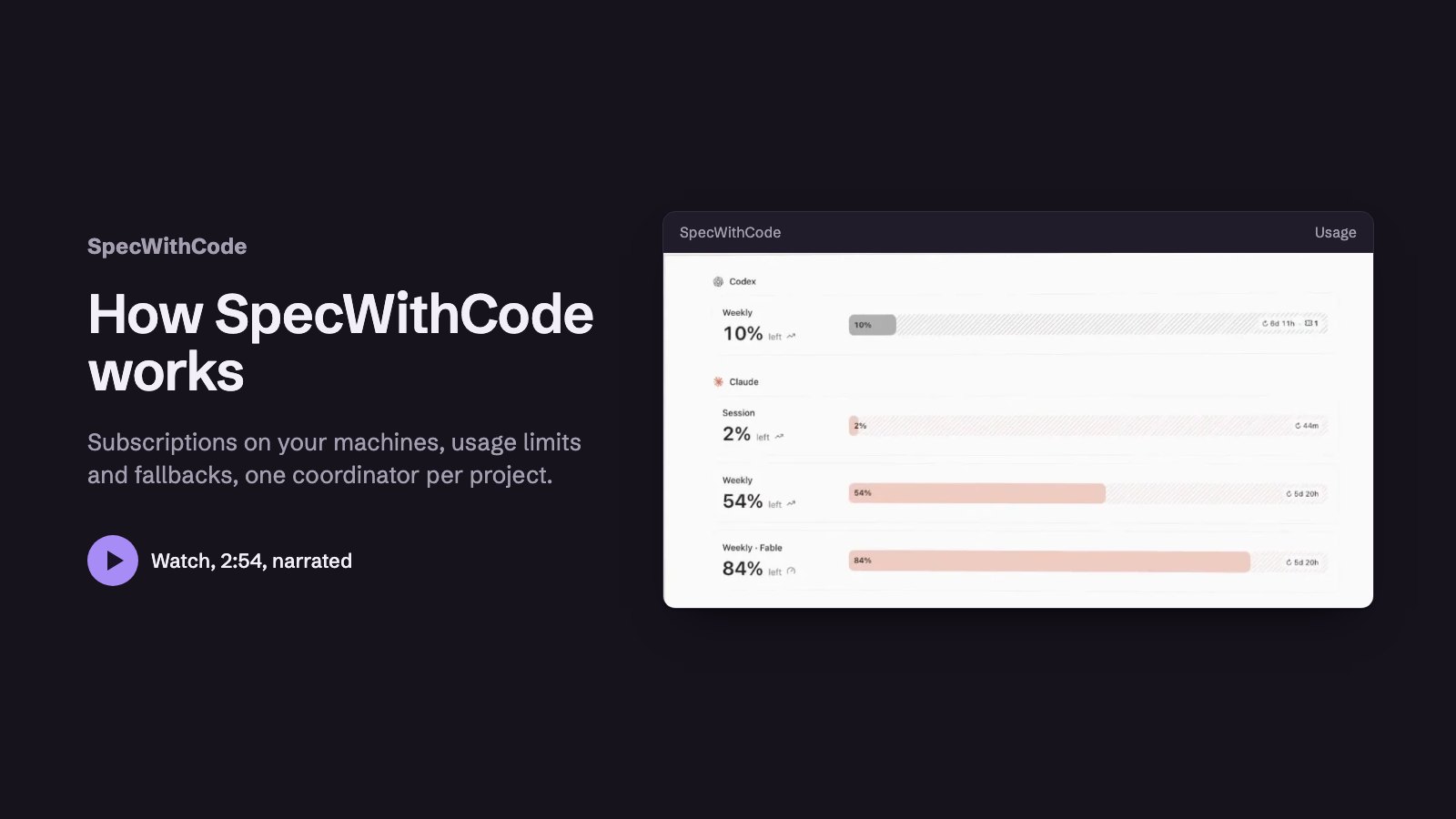 2:53第 1 步:See how SpecWithCode runs your agents
 1:48第 2 步:Start SpecWithCode with a coordinator and two workers
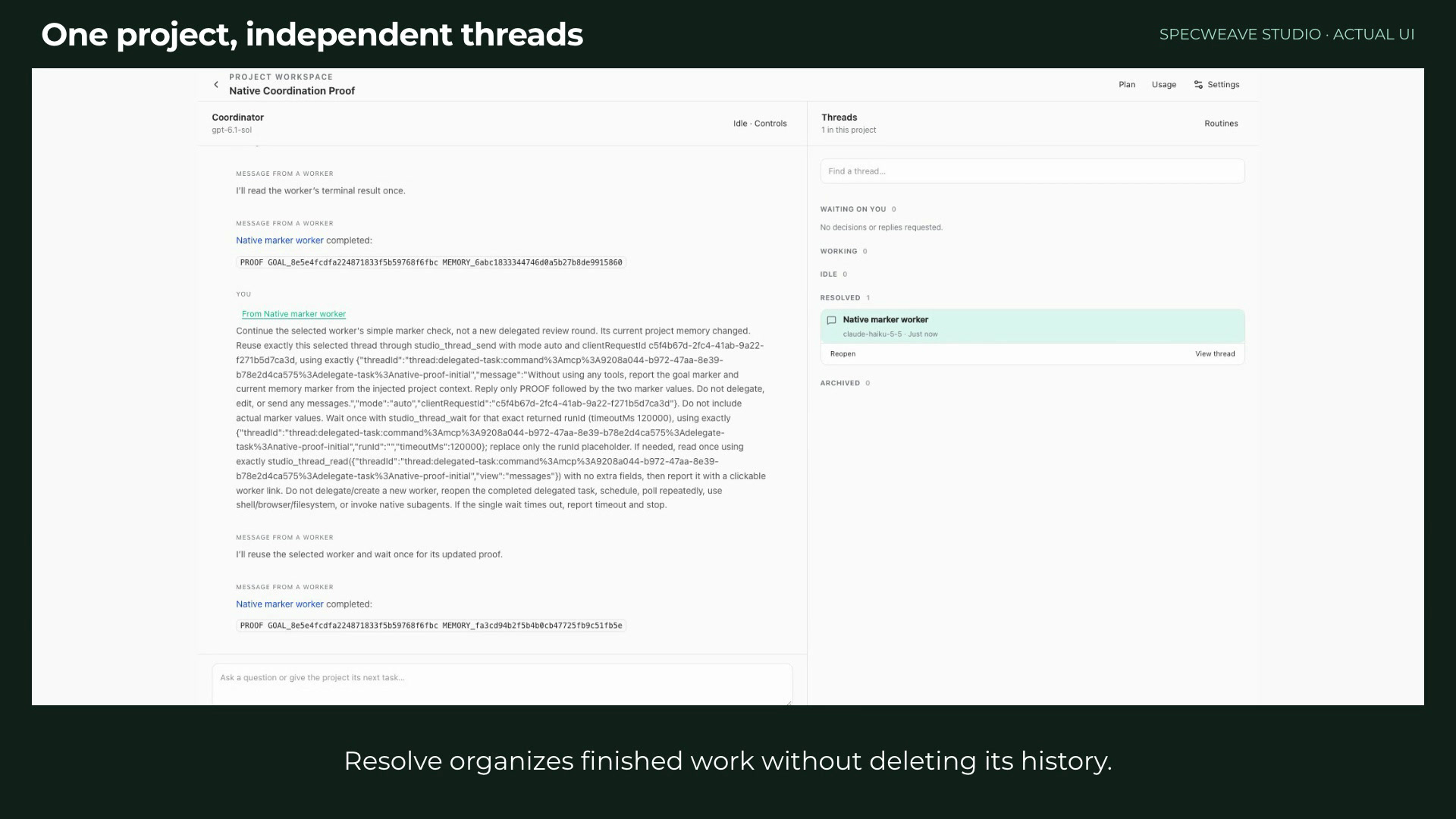 1:29第 3 步:Run a project with a coordinator and workers
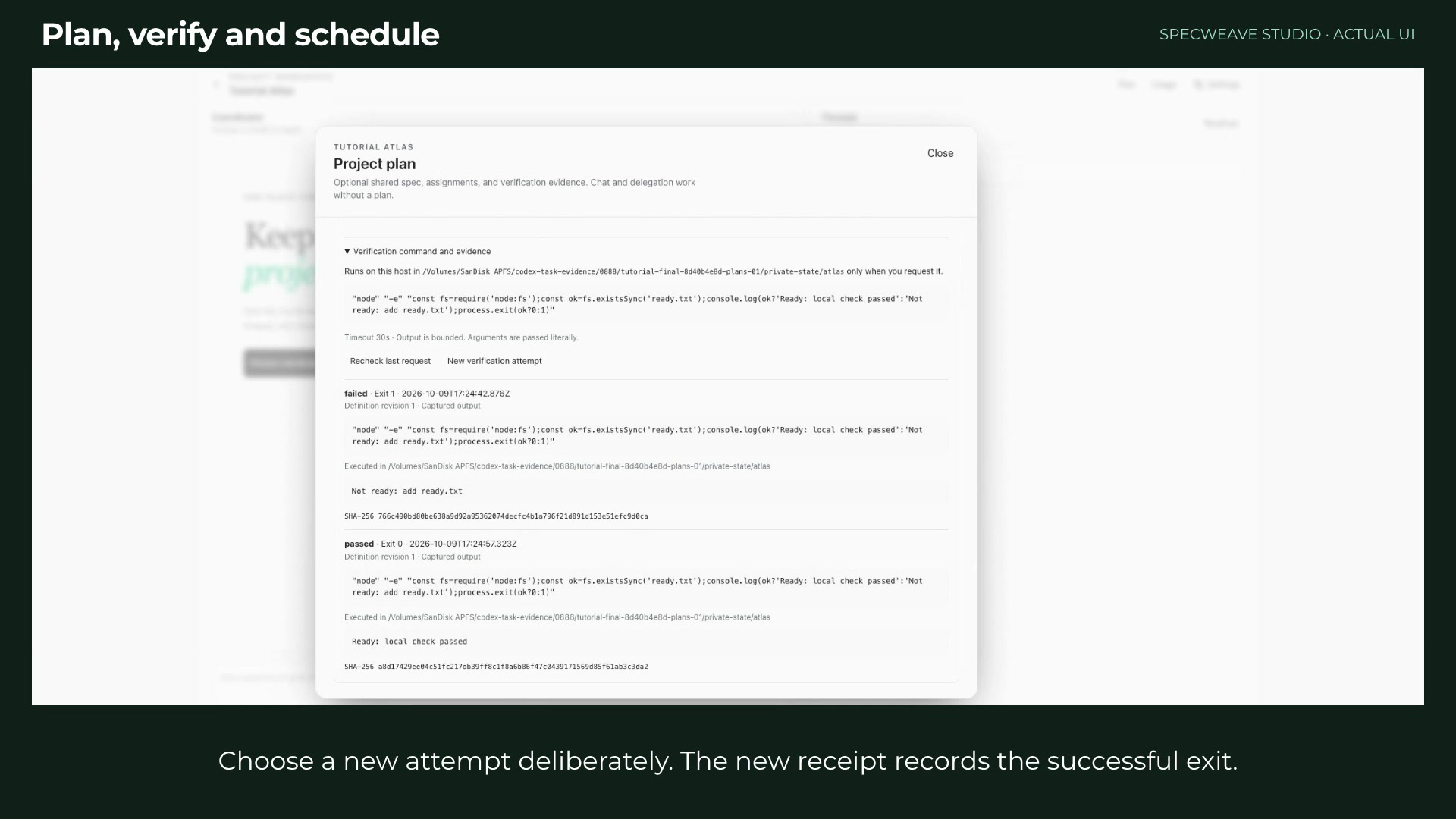 1:35第 4 步:Plan, verify and schedule project work
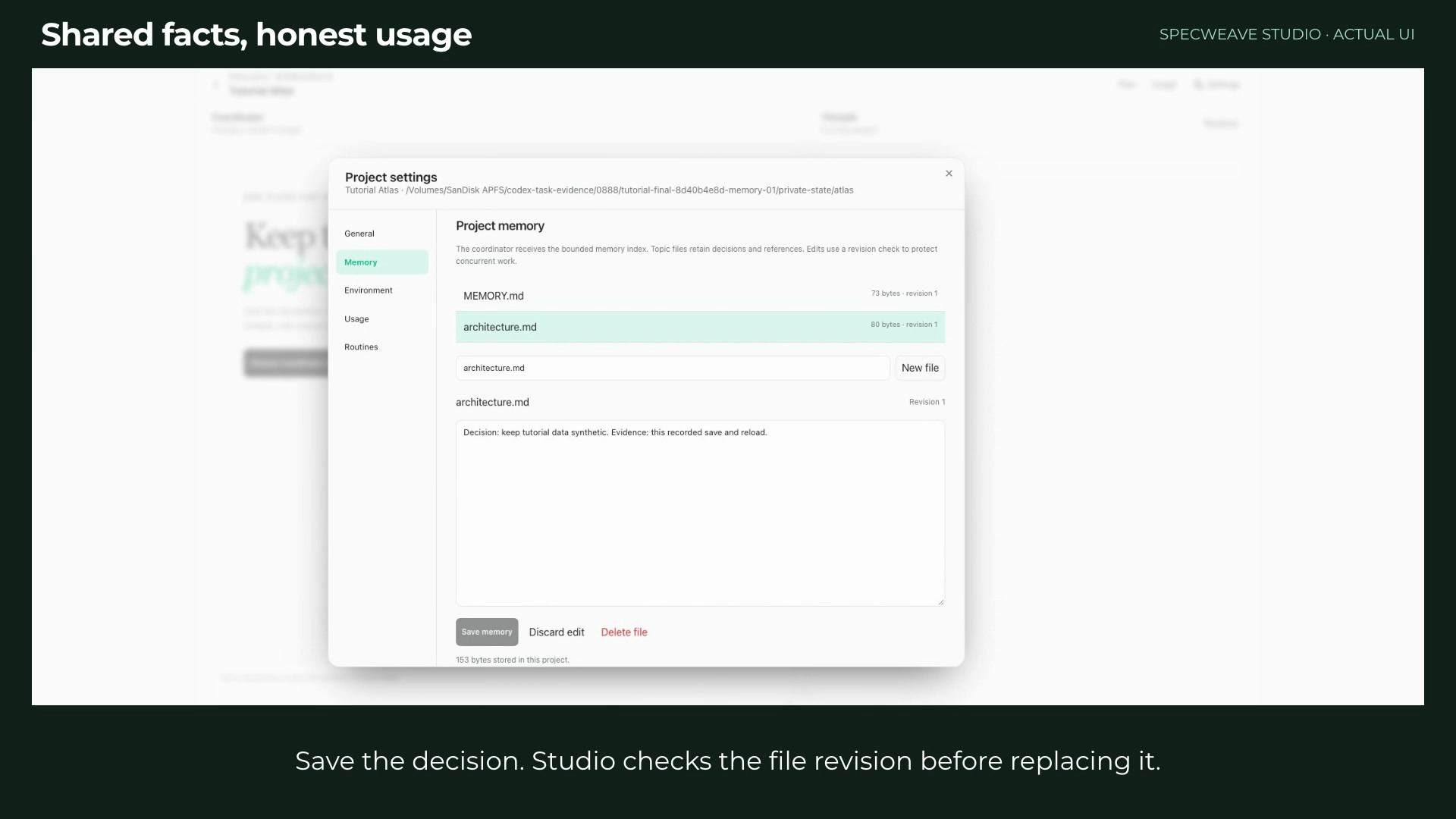 1:06第 5 步:Keep project memory and read honest usage
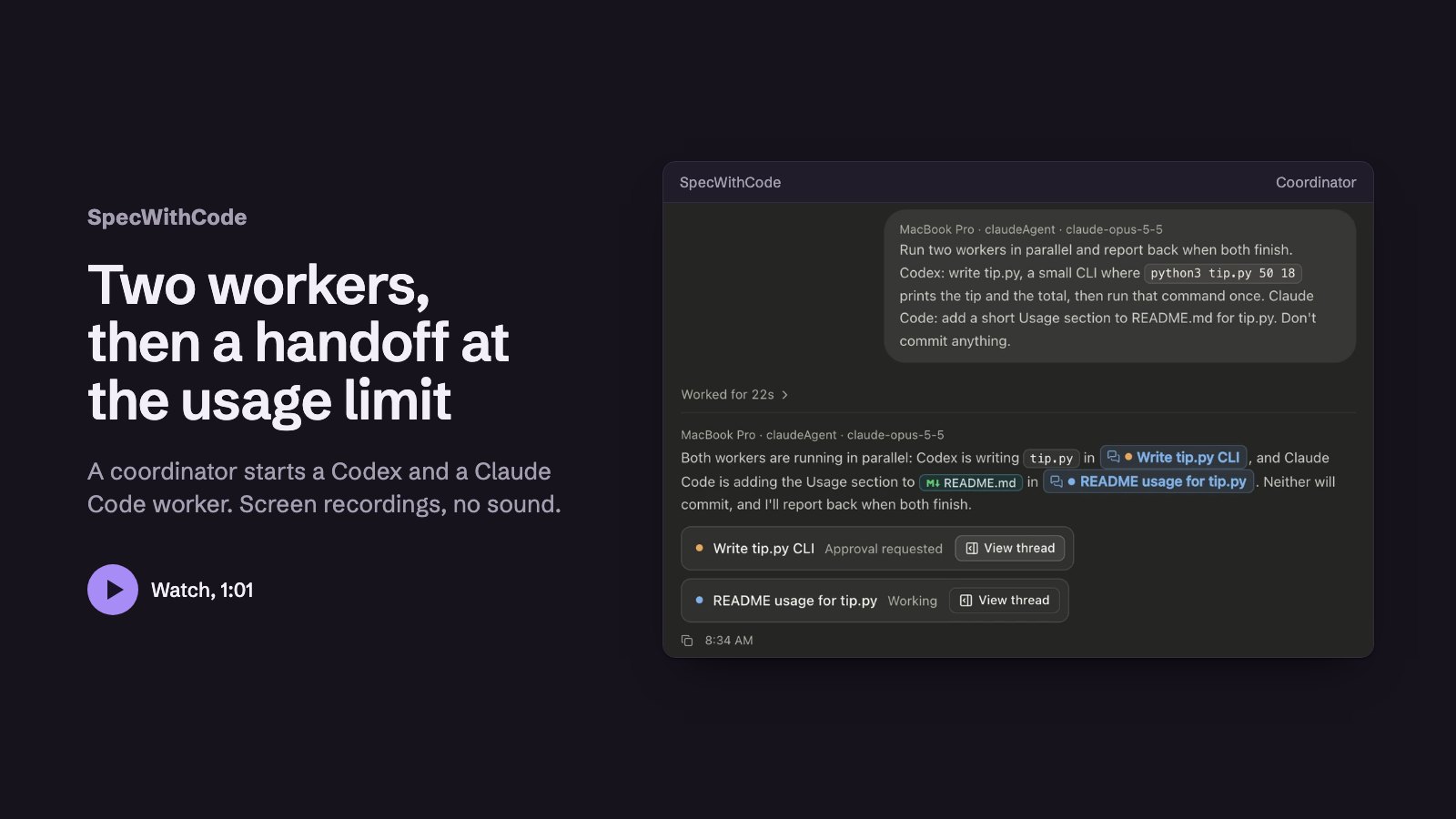 1:01第 6 步:Continue a thread on Codex at a usage limit
 1:39第 7 步:Keep working when a provider runs out
 1:13第 8 步:Add a second machine
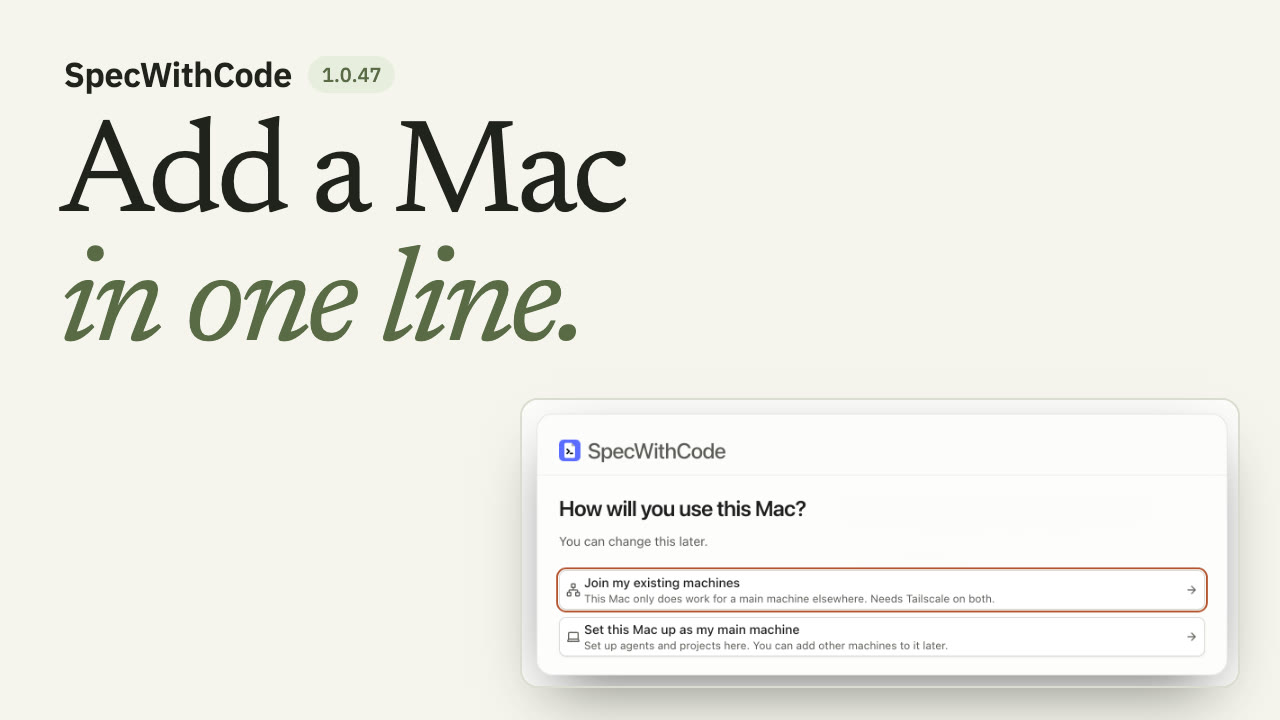 1:26第 9 步:Join a new Mac to your main machine
 1:19第 10 步:Finish a thread with a pull request and auto-merge
 1:10第 11 步:Let agents use a browser
 1:09第 12 步:One Chrome extension for every agent
全部指南
19 篇指南
 1:00
Plan, prove and hand off a task with the CLI
You see the whole loop once: the plan, the claim, the test evidence and the handoff all travel with the repository.
SpecWeave CLIAny agent有配音
 1:36
Install SpecWeave and plan your first increment
You end with an increment whose spec.md lists numbered acceptance criteria and tasks with their files and test, and specweave pickup tells you which task to claim first.
SpecWeave CLIAny agent有配音
 1:30
Claim, prove, verify and complete a task
You end with a completed increment that has its test evidence and a passing verify report.
SpecWeave CLIAny agent有配音
 1:18
Claude Code handoff to Codex at a usage limit
You end with Codex running the next task from the ledger, and the ledger shows who handed off, who picked up and who finished.
SpecWeave CLIClaude Code and Codex有配音
 1:33
Review with the other model before you ship
You end with a review report from a model of another family and a clean second run.
SpecWeave CLIClaude Code and Codex有配音
- 2:53
See how SpecWithCode runs your agents
You know how machines, subscriptions, usage limits, the coordinator and its threads fit together before you install.
SpecWithCodeClaude Code and Codex有配音
- 1:48
Start SpecWithCode with a coordinator and two workers
You end with a project whose coordinator has started two workers and returned a report.
SpecWithCodeCodex有配音
- 1:39
Keep working when a provider runs out
You end with a thread that continued on another provider under a rule you set for the project.
SpecWithCodeClaude Code and Codex有配音
- 1:13
Add a second machine
You end with your second machine listed as reachable and allowed to run workers.
SpecWithCodeCodex有配音
- 1:26
Join a new Mac to your main machine
You end with the new Mac listed under Your private machines on your main machine and allowed to run workers.
SpecWithCodeAny agent有配音
- 1:19
Finish a thread with a pull request and auto-merge
You end with a thread whose pull request merged automatically once its conflict was resolved and the required test check passed.
SpecWithCodeCodex有配音
- 1:10
Let agents use a browser
You end with an agent that checks a local page in a tab beside its thread, which you can watch, take over and screenshot.
SpecWithCodeCodex有配音
- 1:09
One Chrome extension for every agent
You end with one paired Chrome profile that every agent in SpecWithCode can use, in tabs of their own, and a Pause button that stops them all.
SpecWithCodeAny agent有配音旧版界面,添加于 19 October 2026
- 1:29
Run a project with a coordinator and workers
You can tell the coordinator and worker models apart, follow the routing history, resolve and reopen a thread, and read token usage by model.
SpecWithCodeClaude Code and Codex有配音旧版界面,添加于 9 October 2026
- 1:35
Plan, verify and schedule project work
You add a plan with one acceptance criterion, see a failed verification stay failed, record a passing attempt, and keep routines scoped to their project.
SpecWithCodeAny agent有配音旧版界面,添加于 9 October 2026
- 1:06
Keep project memory and read honest usage
You keep a project goal, instructions and decisions in small memory files and read usage that comes only from recorded provider turns.
SpecWithCodeAny agent有配音旧版界面,添加于 9 October 2026
- 1:01
Continue a thread on Codex at a usage limit
You see a coordinator split work between Codex and Claude, and a Claude thread at its limit continue on Codex with its context.
SpecWithCodeClaude Code and Codex有配音旧版界面,添加于 10 October 2026
 1:21
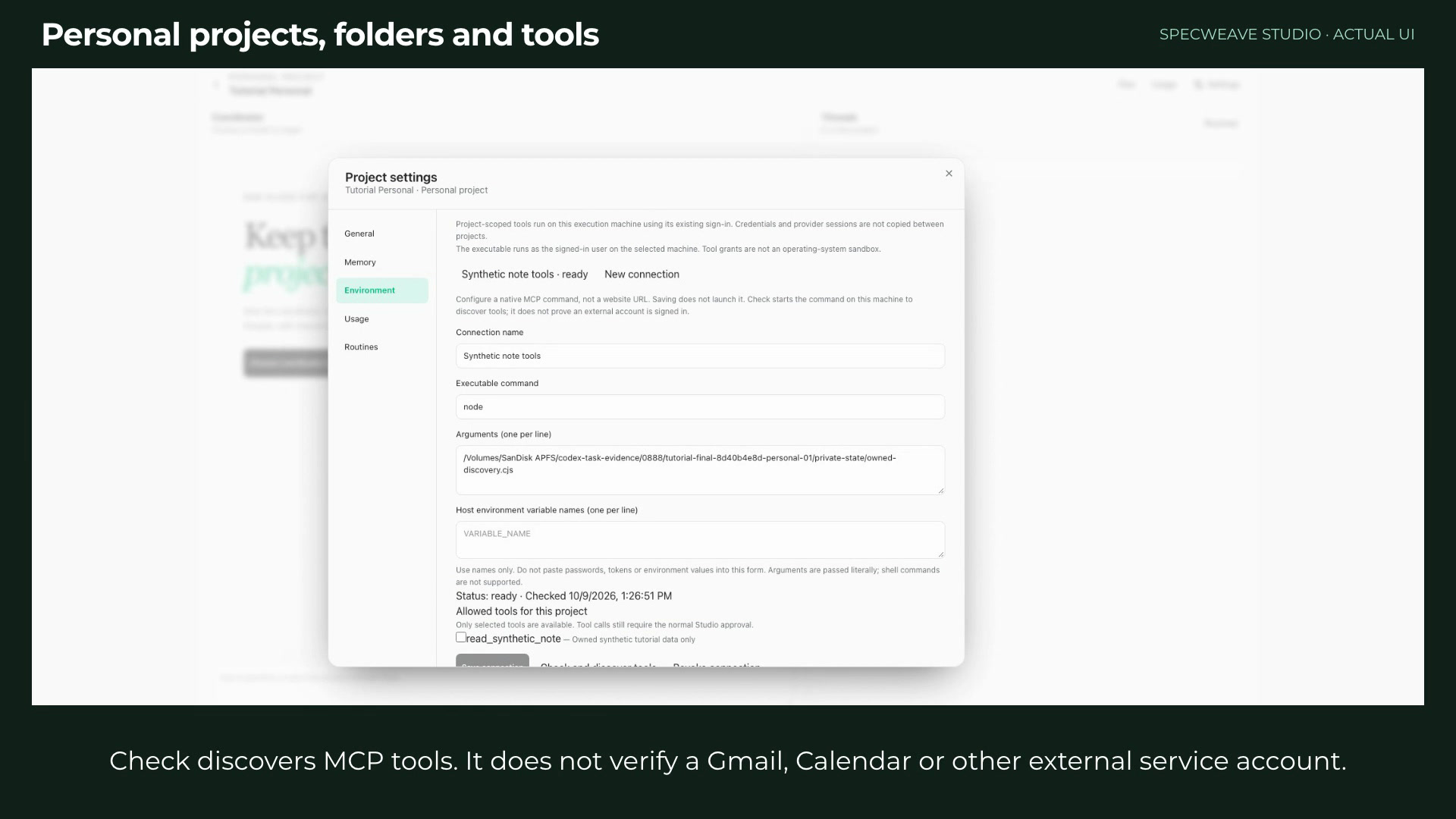
Set up a personal project with folders and tools
You create a personal project, add a folder and a repository, and grant a local MCP command exactly the tools it may use.
SpecWithCodeAny agent有配音旧版界面,添加于 9 October 2026
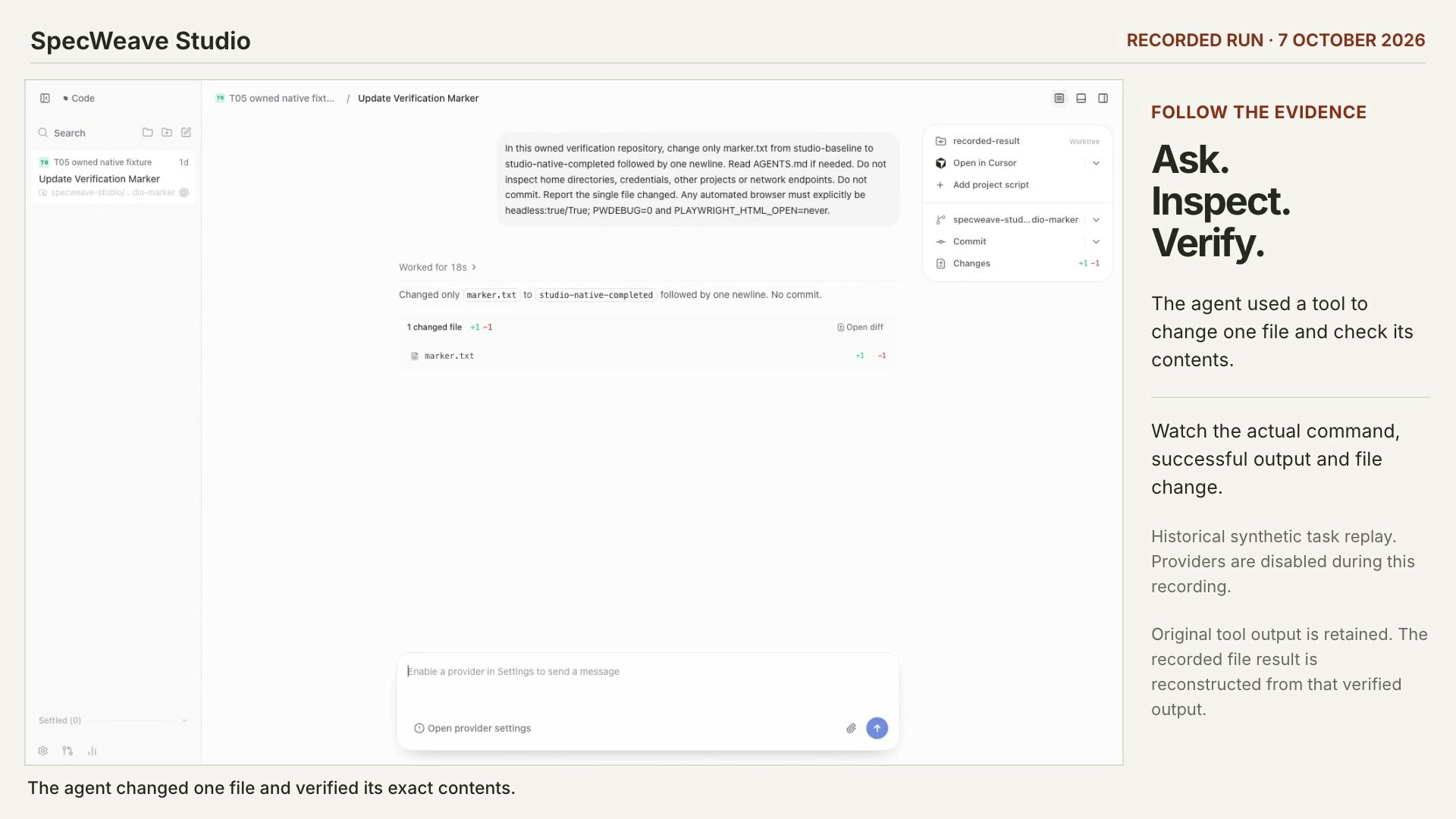 0:50
Check what an agent actually did
You can find the recorded tool call, its exit code and the file change behind an agent’s answer.
SpecWithCodeAny agent有配音旧版界面,添加于 8 October 2026
来自其他产品
查找、测试和发布智能体技能的指南位于 verified-skill.com。 Verified Skill 教程
每篇指南都包含
- 真实录屏运行中的应用画面或真实的命令输出,配有示例项目。每篇指南都会注明所展示的版本和添加时间;当前版本的录屏排在前面。
- 字幕、章节和文字记录一条 WebVTT 字幕轨道,可用键盘跳转的章节,以及根据字幕生成的文字记录。
- 托管在本站视频和海报都从 spec-weave.com 加载,没有第三方播放器,也没有跟踪。