한 번에 하나씩 배워요
SpecWeave CLI와 SpecWithCode를 실제로 녹화해 만든 짧은 가이드예요. 각 가이드는 결과를 밝히고, 챕터가 있는 영상을 보여 주며, 단계를 나열하고, 스크립트를 제공해요.
가이드 19개학습 경로 2개모든 가이드 둘러보기
학습 경로
첫 단계부터 완성된 결과까지 경로를 따라가 보세요. 각 단계는 별도의 가이드이며, 가이드가 둘 이상일 때 경로로 표시돼요.
Run work across agents
SpecWeave CLI · 가이드 5개 · 6:58
Plan an increment, prove each task, hand off between tools and get a review from another model.
Run SpecWithCode
SpecWithCode · 가이드 12개 · 17:53
Understand the setup, run a project through its coordinator, then add plans, memory and a second provider.
이 학습 경로에 가이드 1개가 더 추가될 예정이에요.
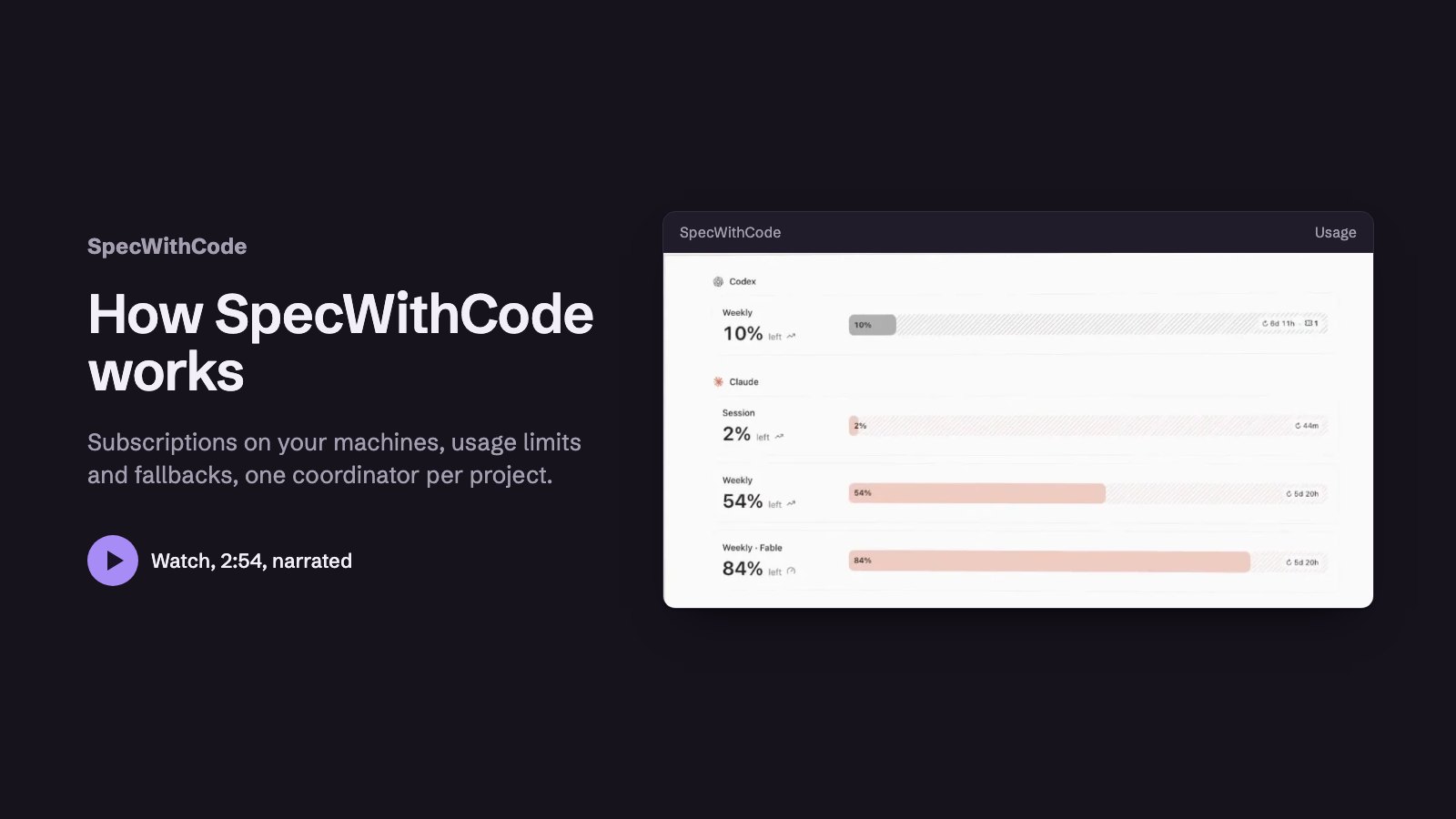 2:531단계: See how SpecWithCode runs your agents
 1:482단계: Start SpecWithCode with a coordinator and two workers
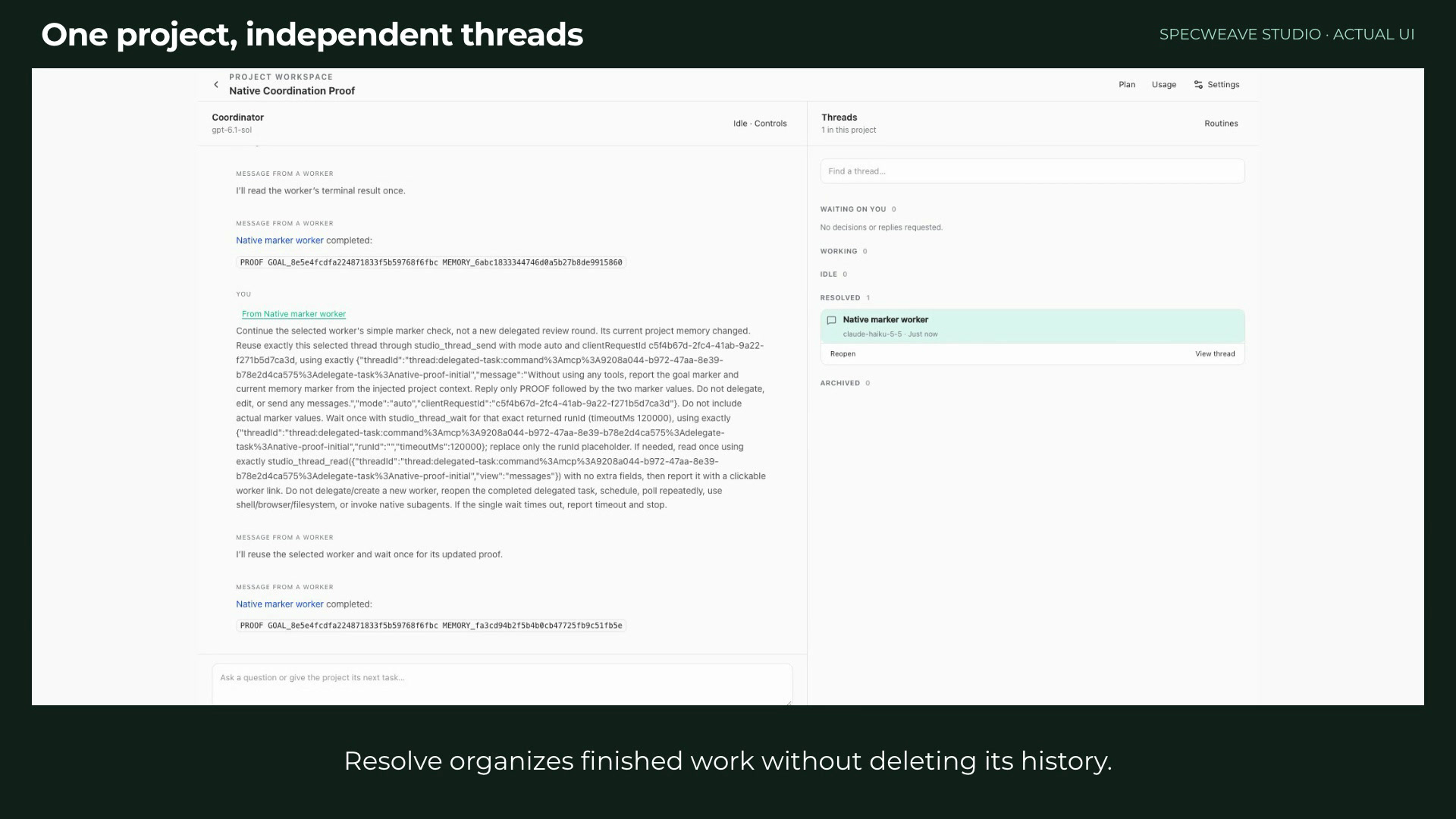 1:293단계: Run a project with a coordinator and workers
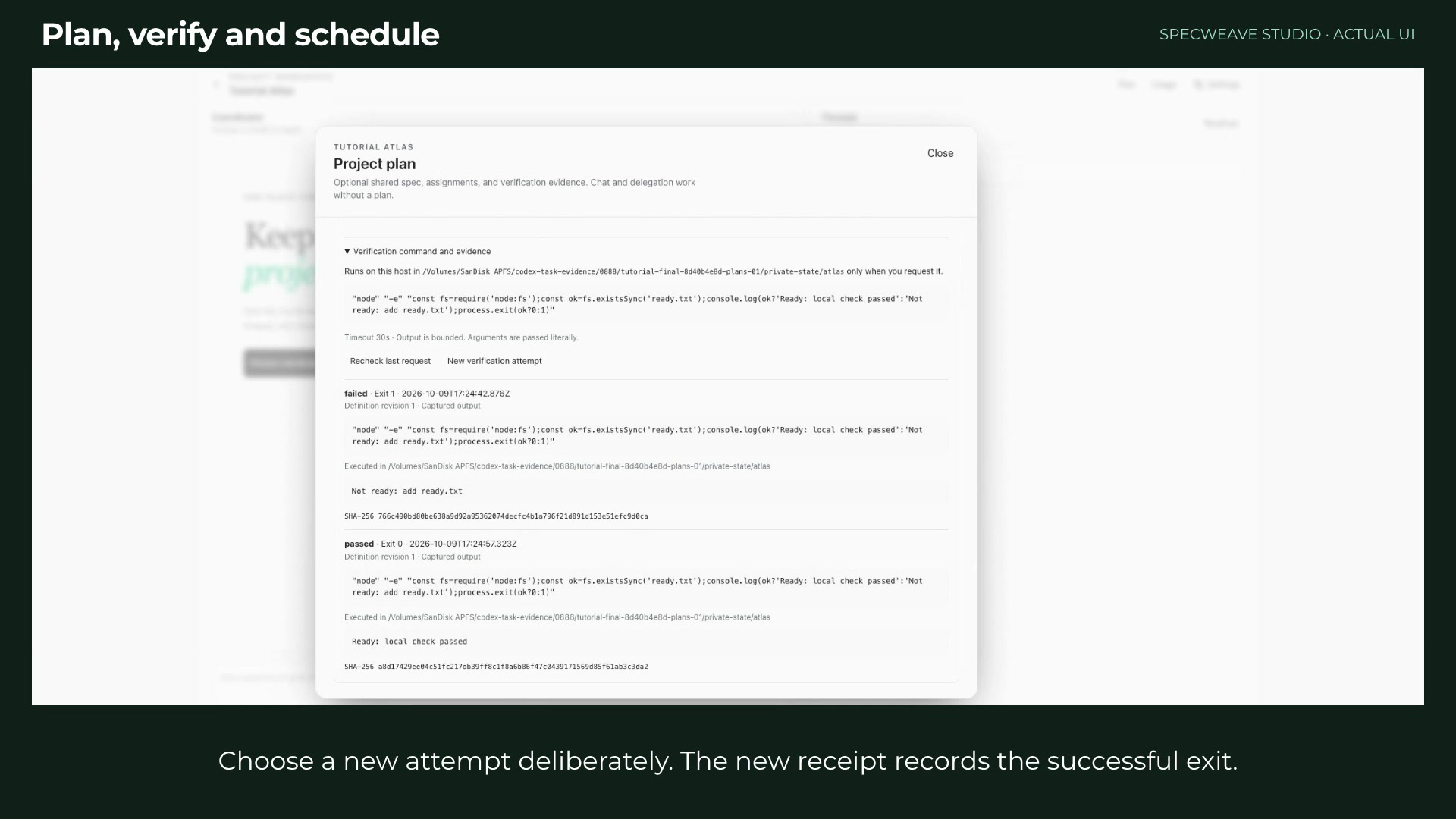 1:354단계: Plan, verify and schedule project work
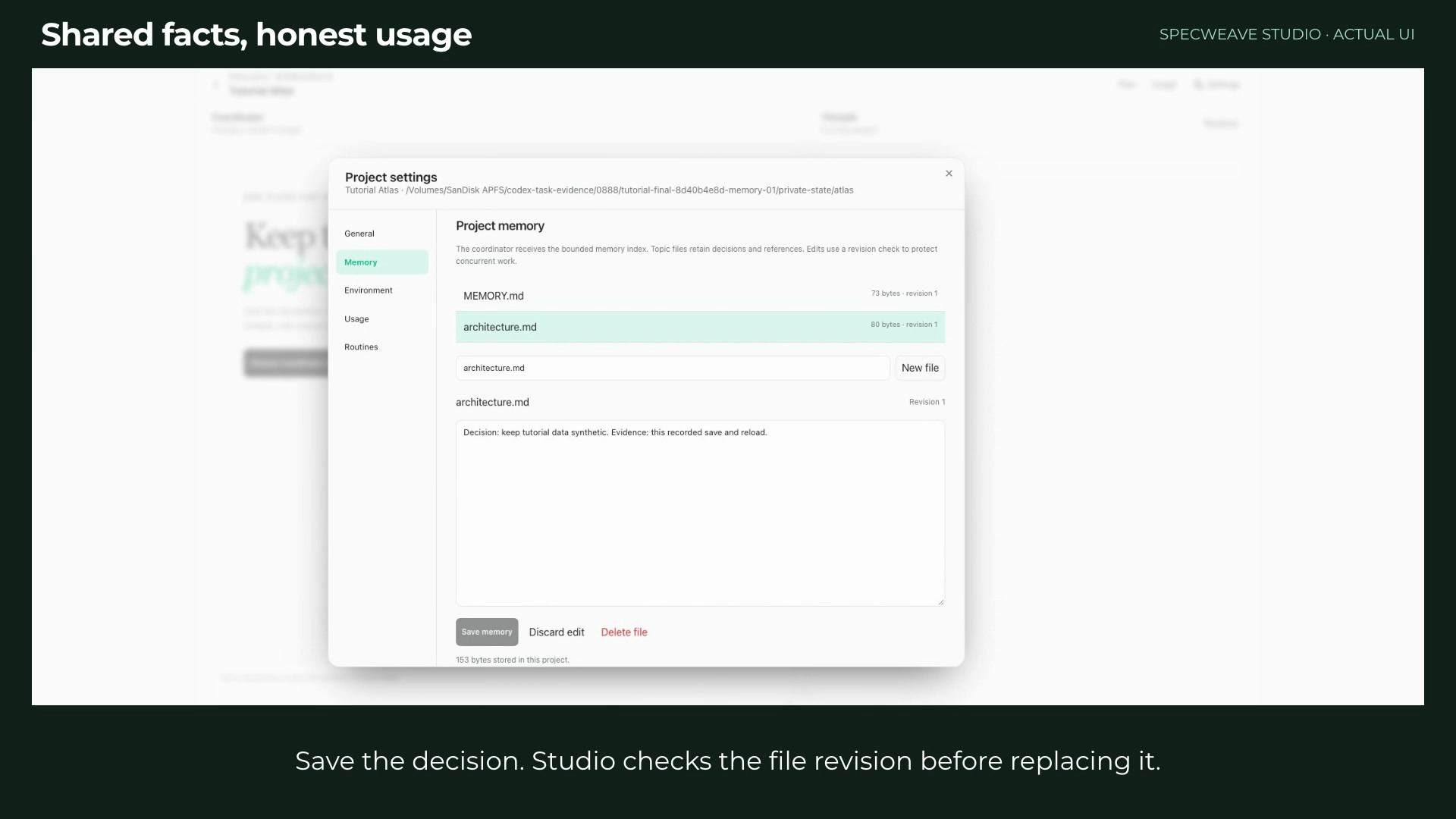 1:065단계: Keep project memory and read honest usage
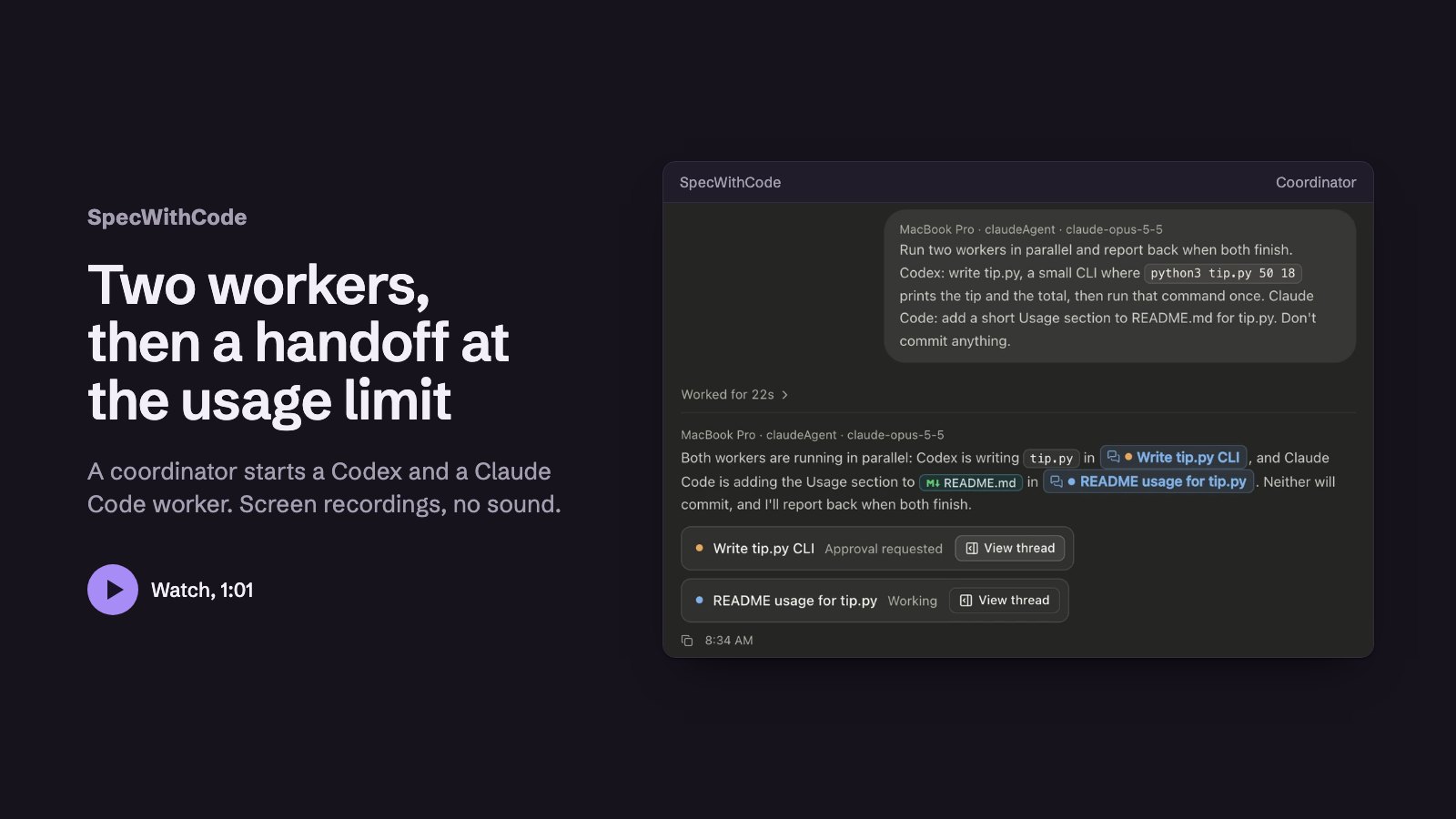 1:016단계: Continue a thread on Codex at a usage limit
 1:397단계: Keep working when a provider runs out
 1:138단계: Add a second machine
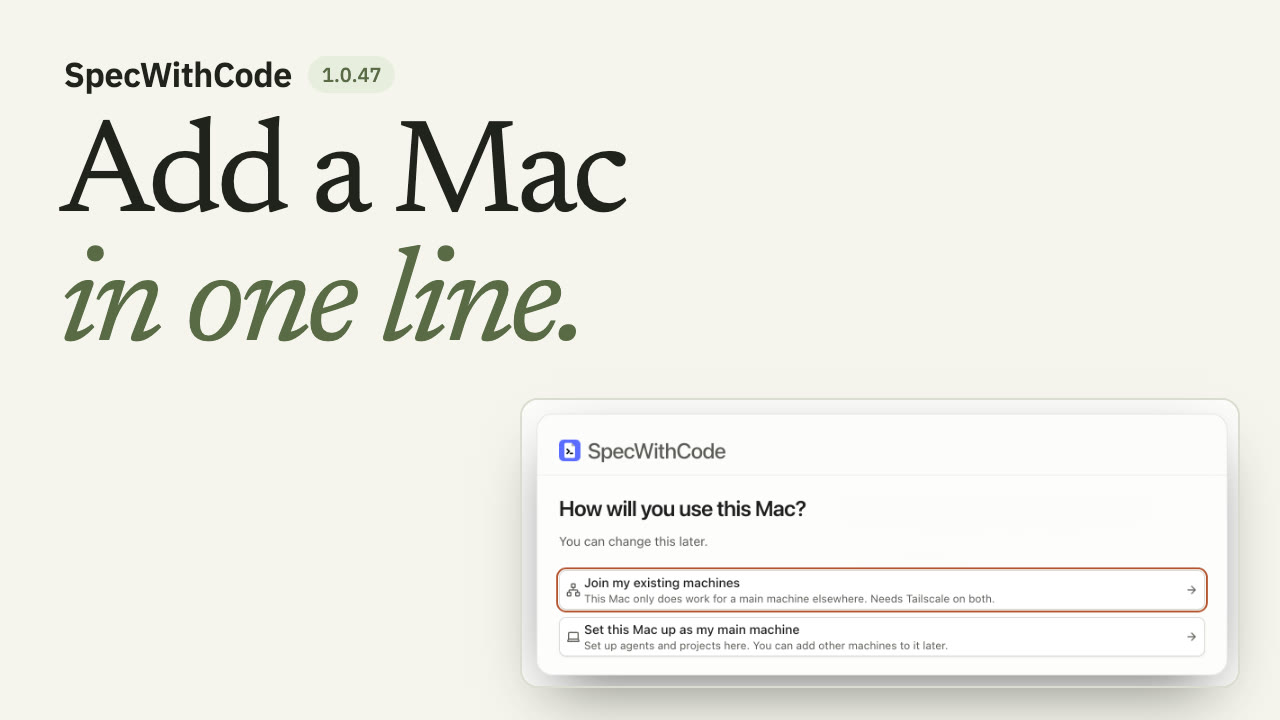 1:269단계: Join a new Mac to your main machine
 1:1910단계: Finish a thread with a pull request and auto-merge
 1:1011단계: Let agents use a browser
 1:0912단계: One Chrome extension for every agent
모든 가이드
가이드 19개
 1:00
Plan, prove and hand off a task with the CLI
You see the whole loop once: the plan, the claim, the test evidence and the handoff all travel with the repository.
SpecWeave CLIAny agent내레이션
 1:36
Install SpecWeave and plan your first increment
You end with an increment whose spec.md lists numbered acceptance criteria and tasks with their files and test, and specweave pickup tells you which task to claim first.
SpecWeave CLIAny agent내레이션
 1:30
Claim, prove, verify and complete a task
You end with a completed increment that has its test evidence and a passing verify report.
SpecWeave CLIAny agent내레이션
 1:18
Claude Code handoff to Codex at a usage limit
You end with Codex running the next task from the ledger, and the ledger shows who handed off, who picked up and who finished.
SpecWeave CLIClaude Code and Codex내레이션
 1:33
Review with the other model before you ship
You end with a review report from a model of another family and a clean second run.
SpecWeave CLIClaude Code and Codex내레이션
- 2:53
See how SpecWithCode runs your agents
You know how machines, subscriptions, usage limits, the coordinator and its threads fit together before you install.
SpecWithCodeClaude Code and Codex내레이션
- 1:48
Start SpecWithCode with a coordinator and two workers
You end with a project whose coordinator has started two workers and returned a report.
SpecWithCodeCodex내레이션
- 1:39
Keep working when a provider runs out
You end with a thread that continued on another provider under a rule you set for the project.
SpecWithCodeClaude Code and Codex내레이션
- 1:13
Add a second machine
You end with your second machine listed as reachable and allowed to run workers.
SpecWithCodeCodex내레이션
- 1:26
Join a new Mac to your main machine
You end with the new Mac listed under Your private machines on your main machine and allowed to run workers.
SpecWithCodeAny agent내레이션
- 1:19
Finish a thread with a pull request and auto-merge
You end with a thread whose pull request merged automatically once its conflict was resolved and the required test check passed.
SpecWithCodeCodex내레이션
- 1:10
Let agents use a browser
You end with an agent that checks a local page in a tab beside its thread, which you can watch, take over and screenshot.
SpecWithCodeCodex내레이션
- 1:09
One Chrome extension for every agent
You end with one paired Chrome profile that every agent in SpecWithCode can use, in tabs of their own, and a Pause button that stops them all.
SpecWithCodeAny agent내레이션이전 인터페이스, 19 October 2026 추가
- 1:29
Run a project with a coordinator and workers
You can tell the coordinator and worker models apart, follow the routing history, resolve and reopen a thread, and read token usage by model.
SpecWithCodeClaude Code and Codex내레이션이전 인터페이스, 9 October 2026 추가
- 1:35
Plan, verify and schedule project work
You add a plan with one acceptance criterion, see a failed verification stay failed, record a passing attempt, and keep routines scoped to their project.
SpecWithCodeAny agent내레이션이전 인터페이스, 9 October 2026 추가
- 1:06
Keep project memory and read honest usage
You keep a project goal, instructions and decisions in small memory files and read usage that comes only from recorded provider turns.
SpecWithCodeAny agent내레이션이전 인터페이스, 9 October 2026 추가
- 1:01
Continue a thread on Codex at a usage limit
You see a coordinator split work between Codex and Claude, and a Claude thread at its limit continue on Codex with its context.
SpecWithCodeClaude Code and Codex내레이션이전 인터페이스, 10 October 2026 추가
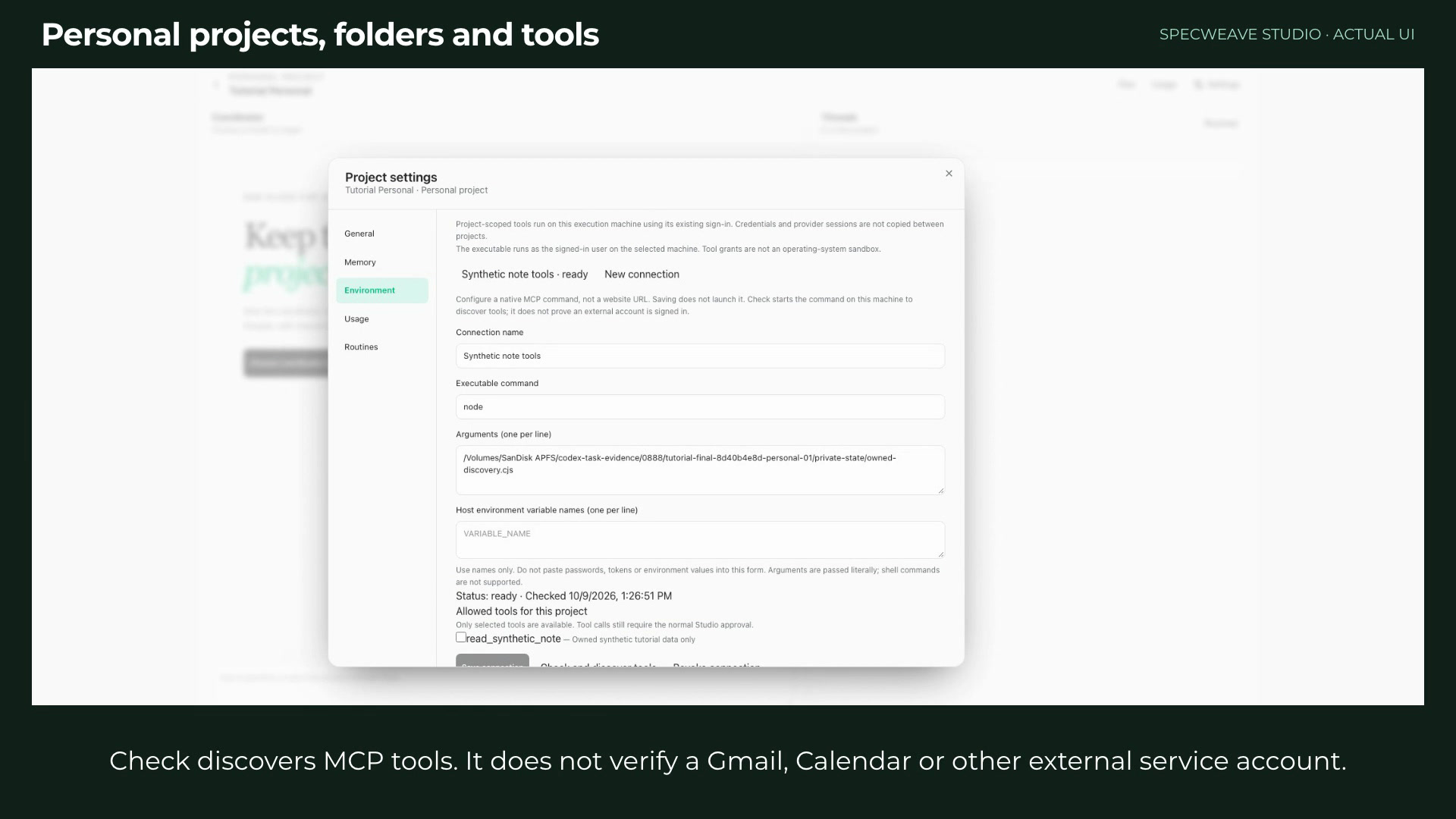 1:21
Set up a personal project with folders and tools
You create a personal project, add a folder and a repository, and grant a local MCP command exactly the tools it may use.
SpecWithCodeAny agent내레이션이전 인터페이스, 9 October 2026 추가
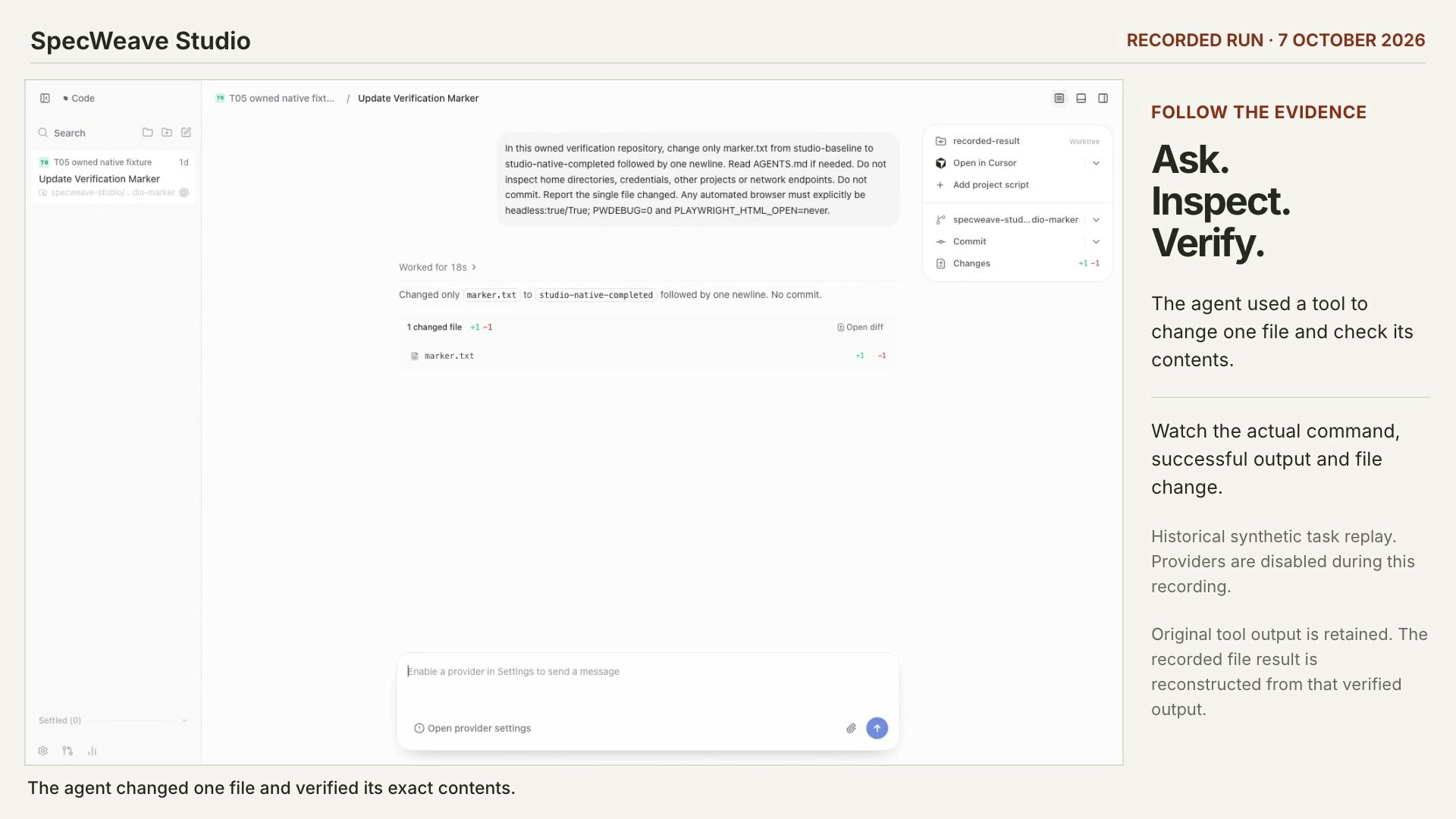 0:50
Check what an agent actually did
You can find the recorded tool call, its exit code and the file change behind an agent’s answer.
SpecWithCodeAny agent내레이션이전 인터페이스, 8 October 2026 추가
다른 제품의 가이드
에이전트 스킬을 찾고, 테스트하고, 게시하는 가이드는 verified-skill.com에 있어요. Verified Skill 튜토리얼
모든 가이드에 담긴 것
- 실제 녹화실행 중인 앱의 영상 또는 실제 명령 출력과 샘플 프로젝트예요. 각 가이드에 어떤 버전인지, 언제 추가됐는지 표시되며, 최신 릴리스 녹화가 먼저 나와요.
- 자막, 챕터, 스크립트WebVTT 자막 트랙, 키보드로 이동할 수 있는 챕터, 자막으로 만든 스크립트.
- 이 사이트에서 직접 호스팅영상과 포스터는 spec-weave.com에서 불러오며, 서드파티 플레이어나 추적은 없어요.