Осваивайте по одной задаче
Короткие руководства на основе настоящих записей SpecWeave CLI и SpecWithCode. В каждом названа цель, показано видео с главами, перечислены шаги и приведена расшифровка.
Руководств: 19Маршрутов обучения: 2Смотреть все руководства
Маршруты обучения
Пройдите маршрут от первого шага до готового результата. Каждый шаг — отдельное руководство; маршрут появляется здесь, когда в нём не меньше двух.
Run work across agents
SpecWeave CLI · 5 руководств · 6:58
Plan an increment, prove each task, hand off between tools and get a review from another model.
Run SpecWithCode
SpecWithCode · 12 руководств · 17:53
Understand the setup, run a project through its coordinator, then add plans, memory and a second provider.
В этот маршрут планируется добавить ещё 1 руководство.
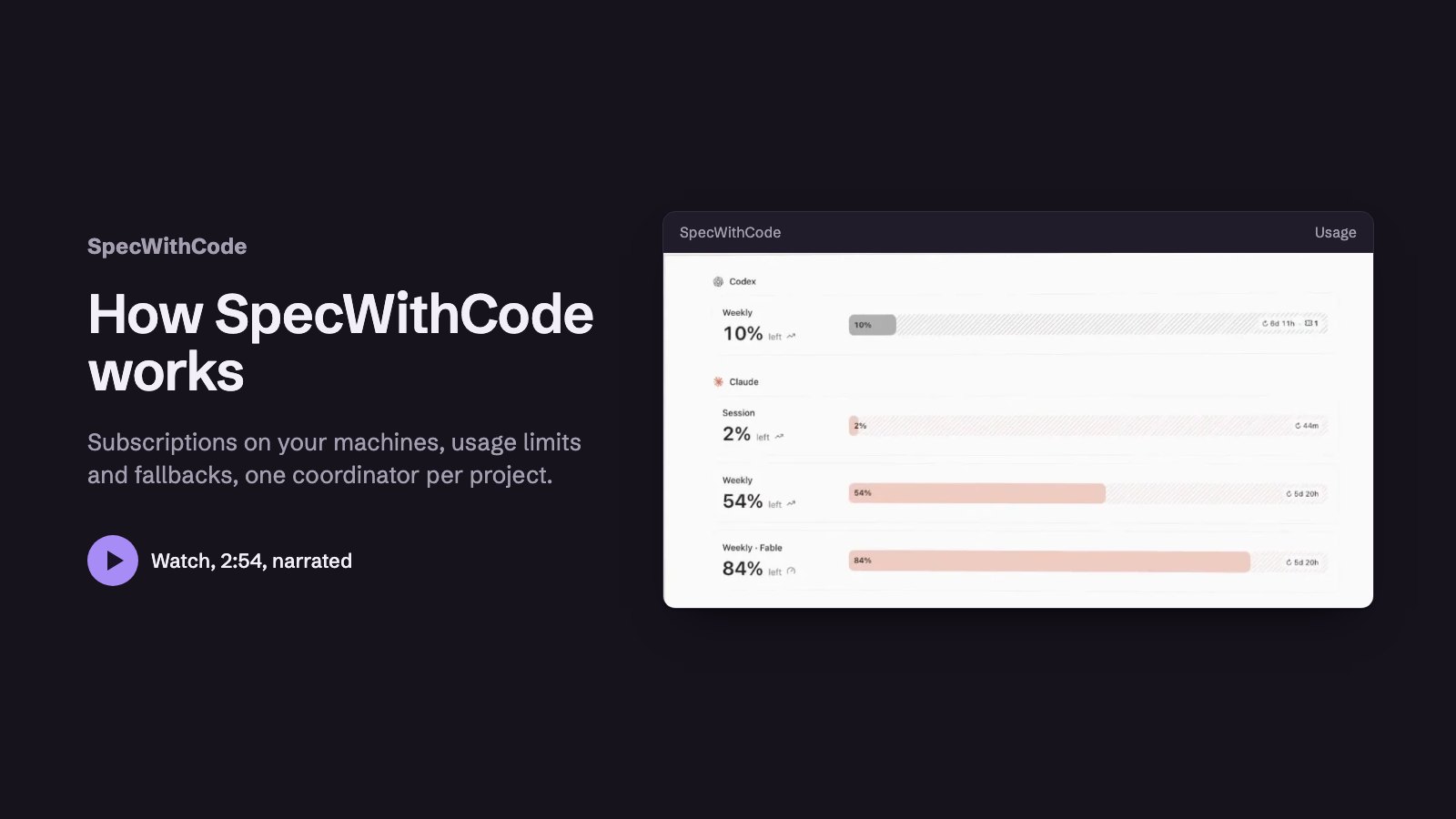 2:53Шаг 1: See how SpecWithCode runs your agents
 1:48Шаг 2: Start SpecWithCode with a coordinator and two workers
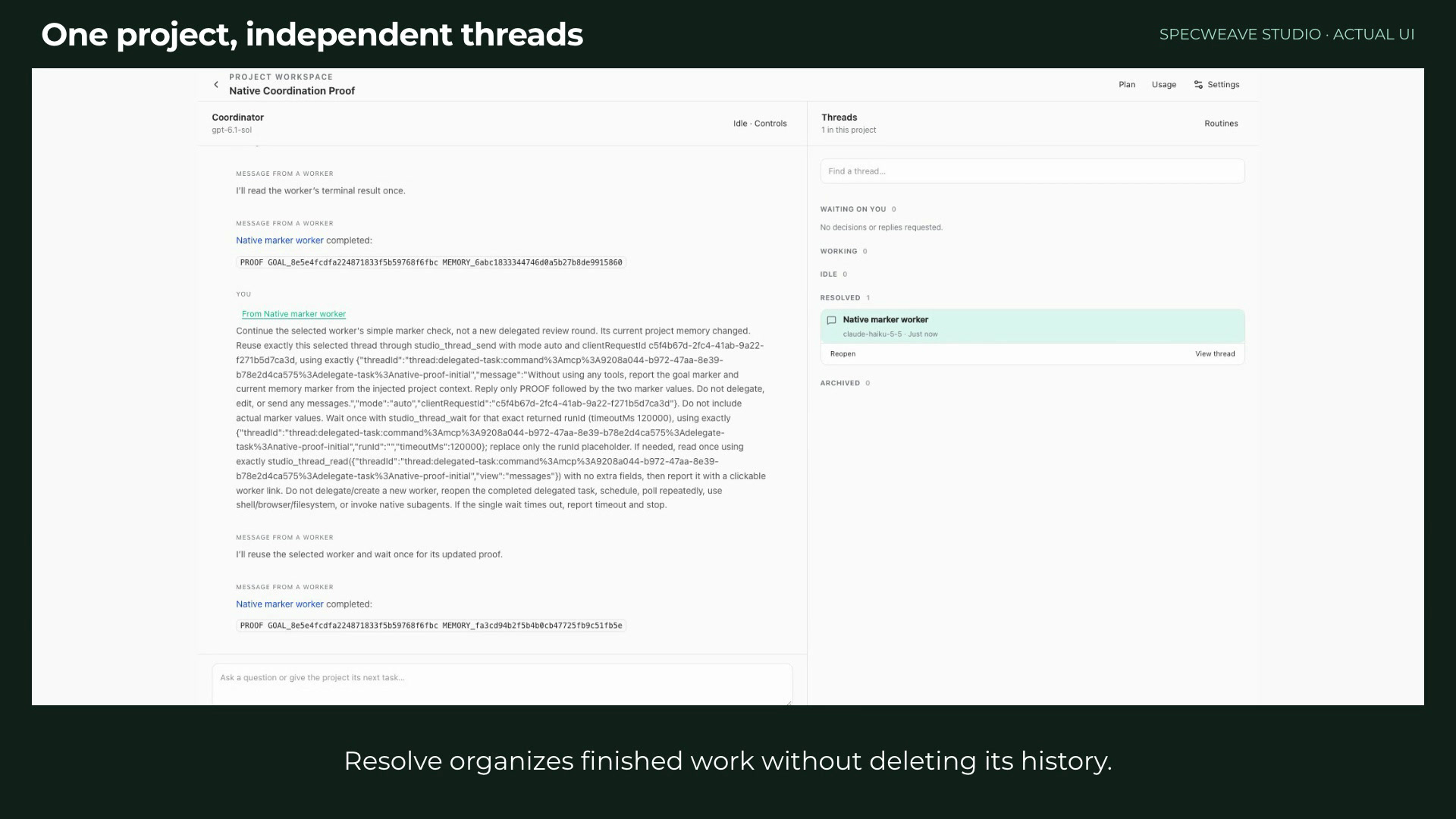 1:29Шаг 3: Run a project with a coordinator and workers
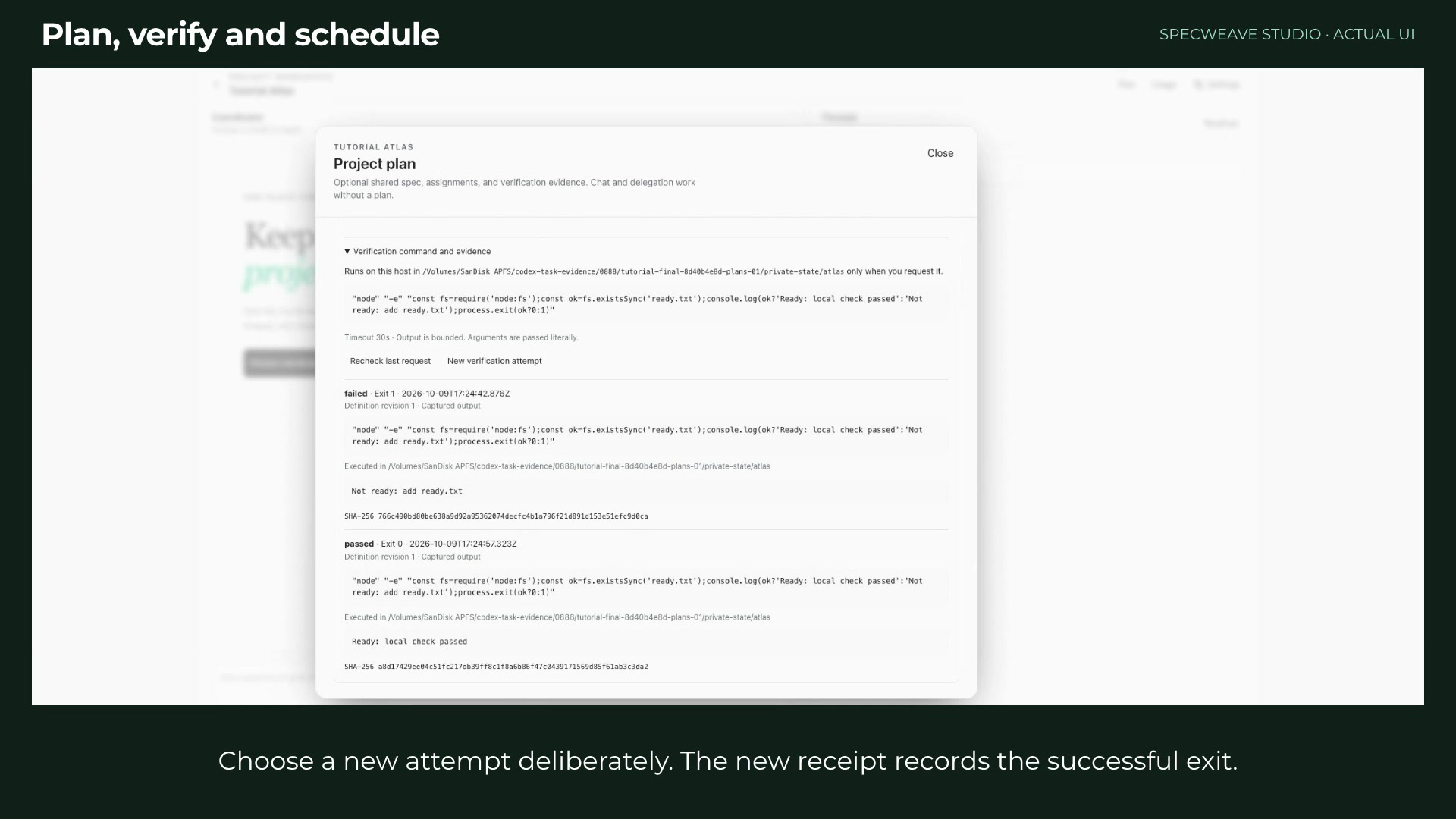 1:35Шаг 4: Plan, verify and schedule project work
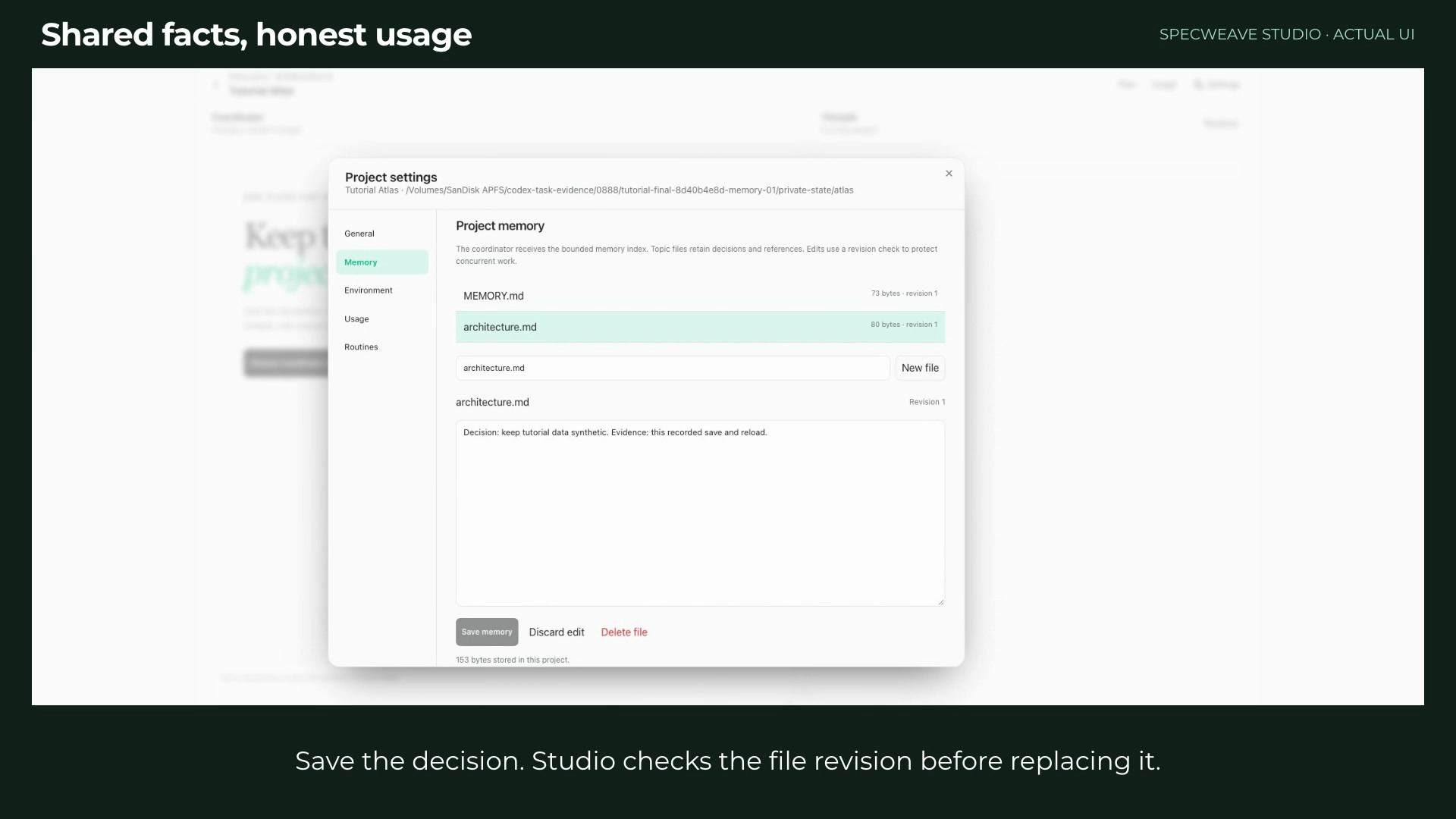 1:06Шаг 5: Keep project memory and read honest usage
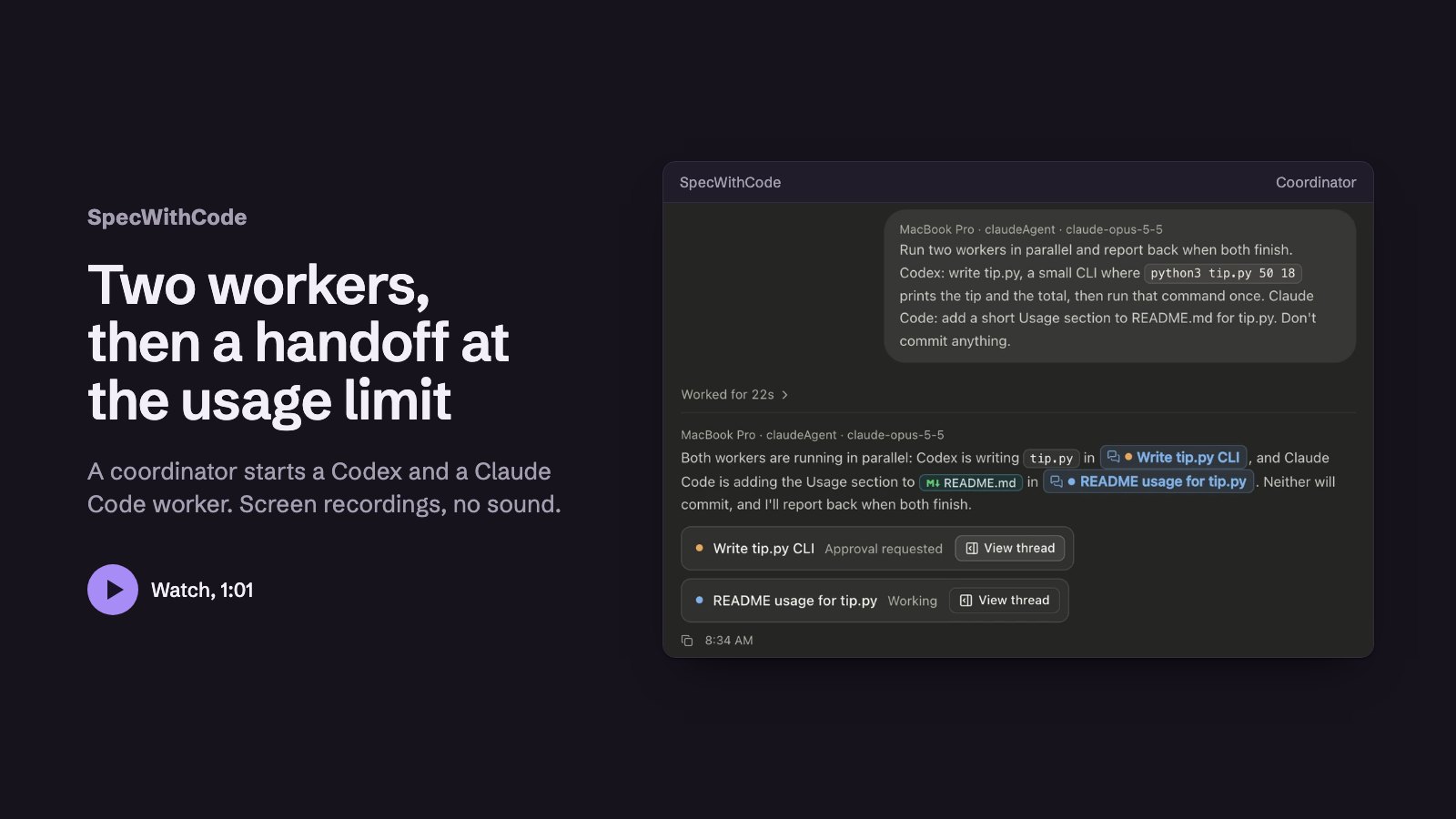 1:01Шаг 6: Continue a thread on Codex at a usage limit
 1:39Шаг 7: Keep working when a provider runs out
 1:13Шаг 8: Add a second machine
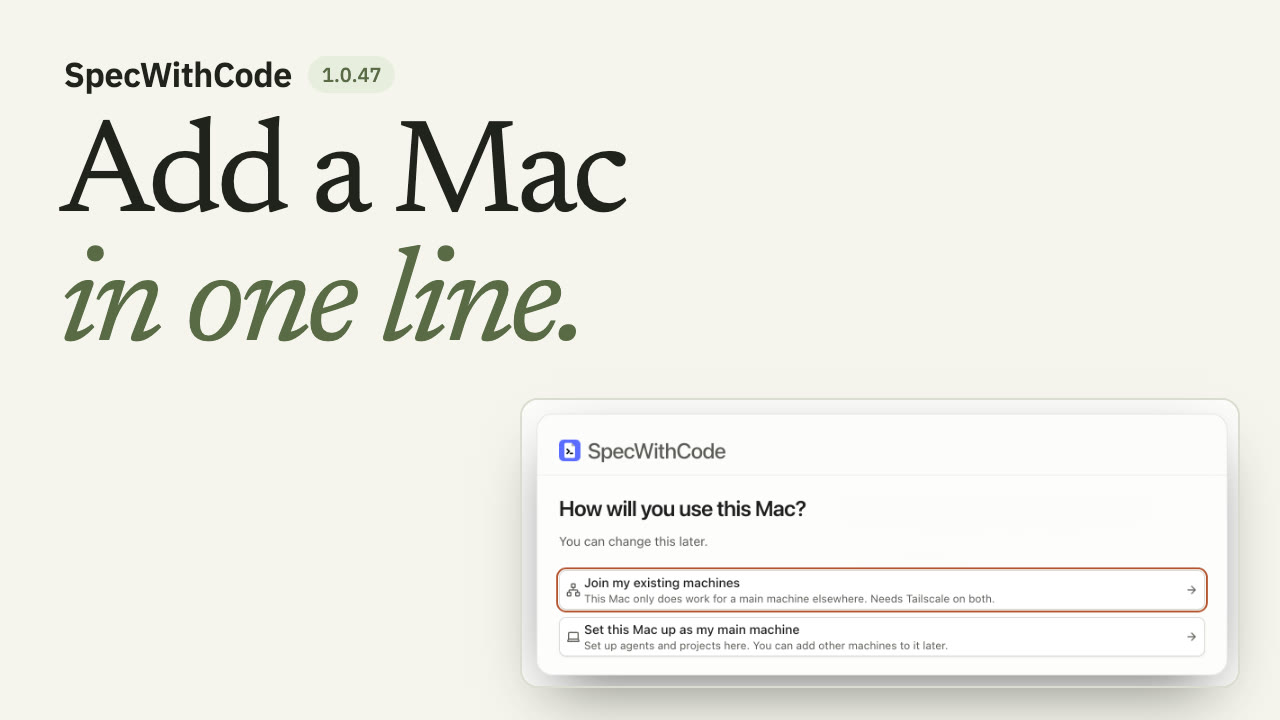 1:26Шаг 9: Join a new Mac to your main machine
 1:19Шаг 10: Finish a thread with a pull request and auto-merge
 1:10Шаг 11: Let agents use a browser
 1:09Шаг 12: One Chrome extension for every agent
Все руководства
Руководств: 19
 1:00
Plan, prove and hand off a task with the CLI
You see the whole loop once: the plan, the claim, the test evidence and the handoff all travel with the repository.
SpecWeave CLIAny agentС озвучкой
 1:36
Install SpecWeave and plan your first increment
You end with an increment whose spec.md lists numbered acceptance criteria and tasks with their files and test, and specweave pickup tells you which task to claim first.
SpecWeave CLIAny agentС озвучкой
 1:30
Claim, prove, verify and complete a task
You end with a completed increment that has its test evidence and a passing verify report.
SpecWeave CLIAny agentС озвучкой
 1:18
Claude Code handoff to Codex at a usage limit
You end with Codex running the next task from the ledger, and the ledger shows who handed off, who picked up and who finished.
SpecWeave CLIClaude Code and CodexС озвучкой
 1:33
Review with the other model before you ship
You end with a review report from a model of another family and a clean second run.
SpecWeave CLIClaude Code and CodexС озвучкой
- 2:53
See how SpecWithCode runs your agents
You know how machines, subscriptions, usage limits, the coordinator and its threads fit together before you install.
SpecWithCodeClaude Code and CodexС озвучкой
- 1:48
Start SpecWithCode with a coordinator and two workers
You end with a project whose coordinator has started two workers and returned a report.
SpecWithCodeCodexС озвучкой
- 1:39
Keep working when a provider runs out
You end with a thread that continued on another provider under a rule you set for the project.
SpecWithCodeClaude Code and CodexС озвучкой
- 1:13
Add a second machine
You end with your second machine listed as reachable and allowed to run workers.
SpecWithCodeCodexС озвучкой
- 1:26
Join a new Mac to your main machine
You end with the new Mac listed under Your private machines on your main machine and allowed to run workers.
SpecWithCodeAny agentС озвучкой
- 1:19
Finish a thread with a pull request and auto-merge
You end with a thread whose pull request merged automatically once its conflict was resolved and the required test check passed.
SpecWithCodeCodexС озвучкой
- 1:10
Let agents use a browser
You end with an agent that checks a local page in a tab beside its thread, which you can watch, take over and screenshot.
SpecWithCodeCodexС озвучкой
- 1:09
One Chrome extension for every agent
You end with one paired Chrome profile that every agent in SpecWithCode can use, in tabs of their own, and a Pause button that stops them all.
SpecWithCodeAny agentС озвучкойПрежний интерфейс, добавлено 19 October 2026
- 1:29
Run a project with a coordinator and workers
You can tell the coordinator and worker models apart, follow the routing history, resolve and reopen a thread, and read token usage by model.
SpecWithCodeClaude Code and CodexС озвучкойПрежний интерфейс, добавлено 9 October 2026
- 1:35
Plan, verify and schedule project work
You add a plan with one acceptance criterion, see a failed verification stay failed, record a passing attempt, and keep routines scoped to their project.
SpecWithCodeAny agentС озвучкойПрежний интерфейс, добавлено 9 October 2026
- 1:06
Keep project memory and read honest usage
You keep a project goal, instructions and decisions in small memory files and read usage that comes only from recorded provider turns.
SpecWithCodeAny agentС озвучкойПрежний интерфейс, добавлено 9 October 2026
- 1:01
Continue a thread on Codex at a usage limit
You see a coordinator split work between Codex and Claude, and a Claude thread at its limit continue on Codex with its context.
SpecWithCodeClaude Code and CodexС озвучкойПрежний интерфейс, добавлено 10 October 2026
 1:21
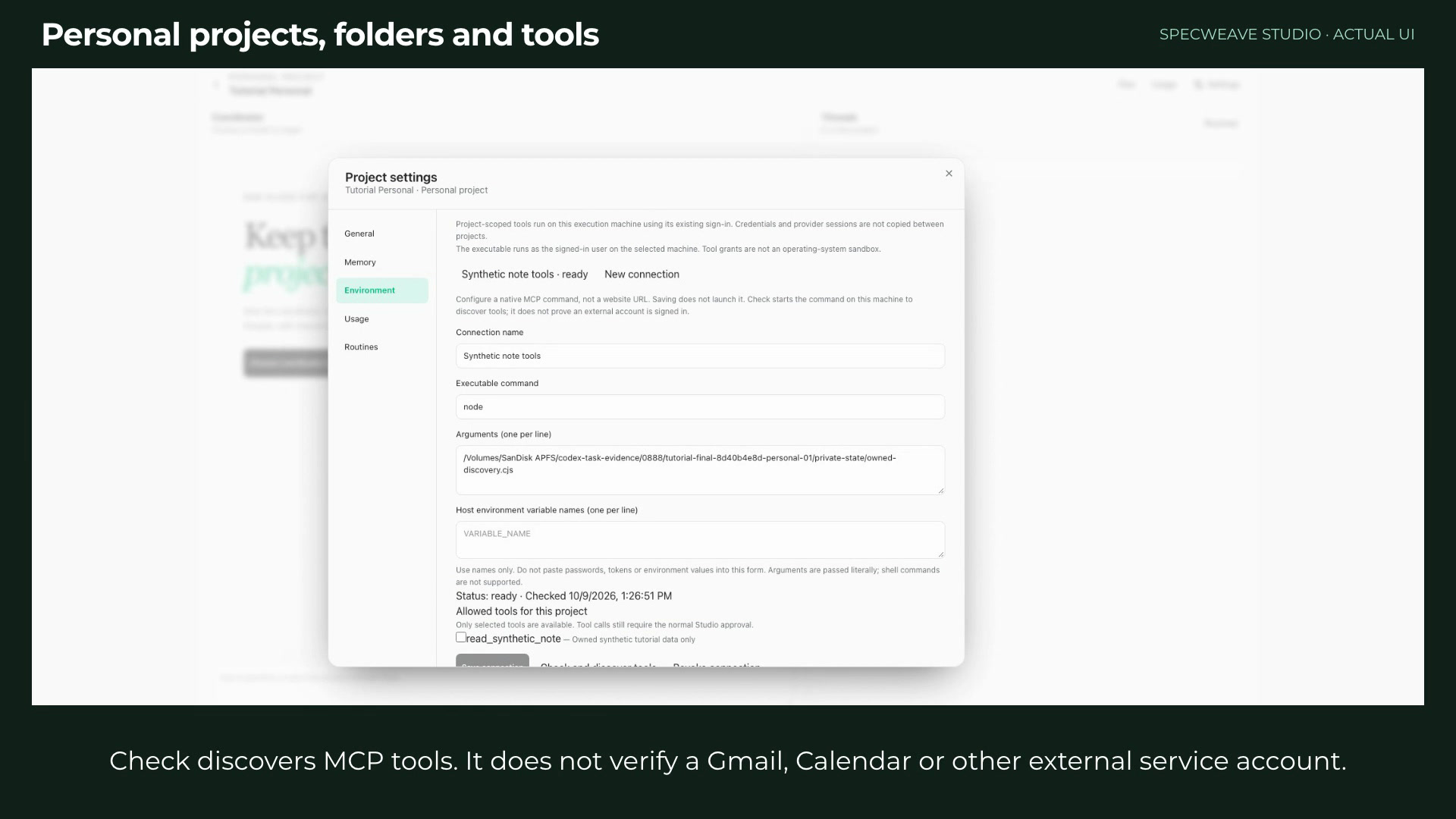
Set up a personal project with folders and tools
You create a personal project, add a folder and a repository, and grant a local MCP command exactly the tools it may use.
SpecWithCodeAny agentС озвучкойПрежний интерфейс, добавлено 9 October 2026
 0:50
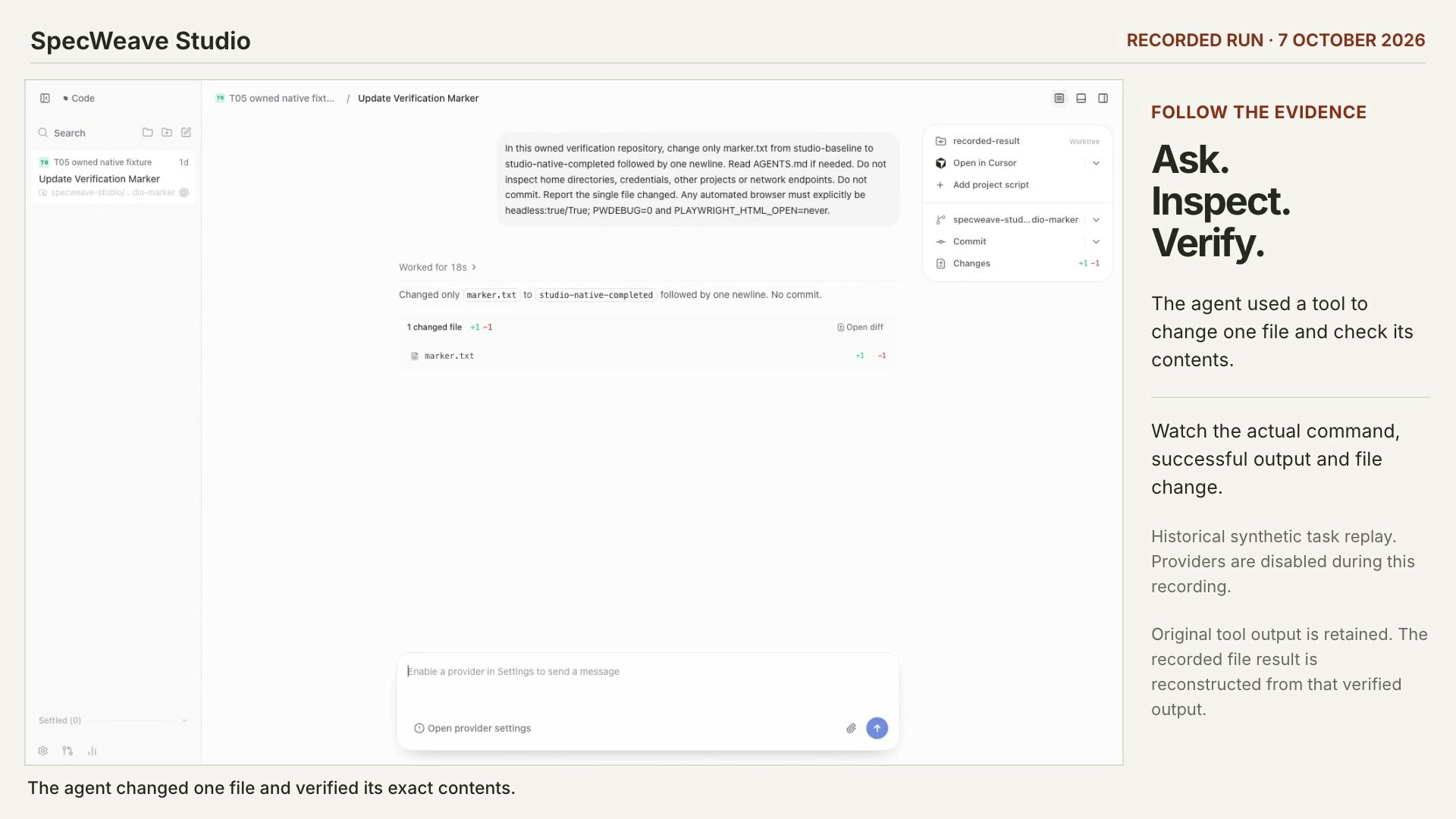
Check what an agent actually did
You can find the recorded tool call, its exit code and the file change behind an agent’s answer.
SpecWithCodeAny agentС озвучкойПрежний интерфейс, добавлено 8 October 2026
Из других продуктов
Руководства по поиску, тестированию и публикации скиллов для агентов лежат на verified-skill.com. Уроки по Verified Skill
Что входит в каждое руководство
- Настоящая записьСъёмка работающего приложения или реальный вывод команд на учебных проектах. В каждом руководстве указано, какую версию оно показывает и когда добавлено; записи текущего релиза идут первыми.
- Субтитры, главы и расшифровкаДорожка субтитров WebVTT, главы, к которым можно перейти с клавиатуры, и расшифровка, собранная из субтитров.
- Размещено на этом сайтеВидео и постеры загружаются с spec-weave.com, без сторонних плееров и трекинга.